Nano Banana 2 est désormais disponible sur AB-Arts Studio : génération d'images par IA plus rapide
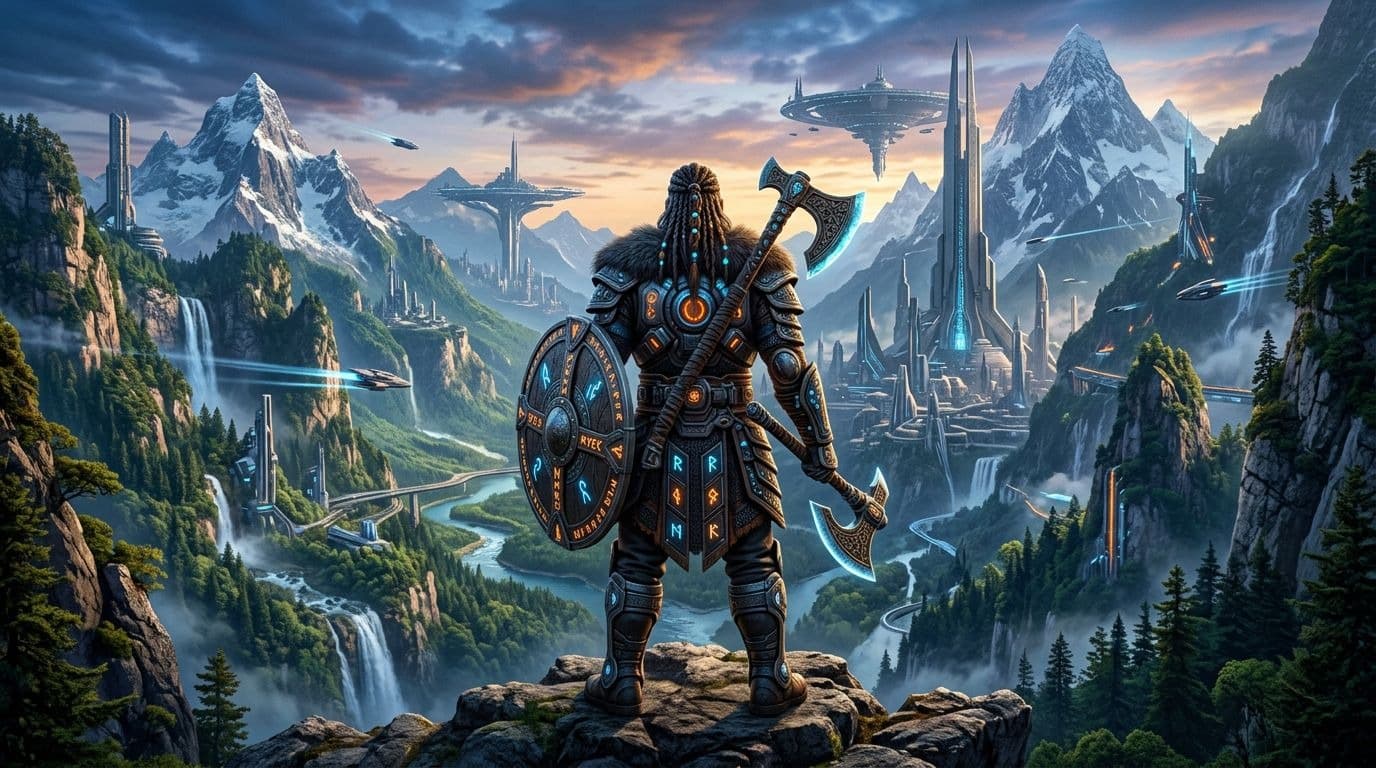
Chez AB-Arts Studio, nous ne restons jamais immobiles très longtemps. Cette semaine, nous sommes ravis d'annoncer l'intégration d'un tout nouveau modèle de génération d'images à notre plateforme : Nano Banana 2.
Si vous connaissez déjà Nano Banana et sa variante Pro — deux modèles appréciés pour leur rapidité et leur polyvalence — cette deuxième génération passe à la vitesse supérieure. Des temps de génération plus rapides, une meilleure compréhension des prompts et un rendu visuel sensiblement affiné : Nano Banana 2 est un choix séduisant pour les créatifs qui veulent itérer rapidement sans compromettre la qualité.
Que vous soyez un designer en quête d'inspiration, un marketeur qui court après les échéances ou un artiste numérique explorant de nouvelles directions créatives, ce modèle a quelque chose à vous offrir. Voyons ensemble ce qu'il apporte et comment en tirer le meilleur parti.
Les nouveautés de Nano Banana 2
Une vitesse de génération remarquable
La famille Nano Banana a toujours été synonyme de rapidité, et Nano Banana 2 ne fait pas exception. Ce modèle est conçu pour livrer des résultats en quelques secondes seulement, ce qui en fait l'outil parfait pour les phases d'exploration créative. Une idée ? Testez-la instantanément, ajustez votre prompt, relancez. Le cycle créatif devient fluide et naturel.
Une meilleure fidélité aux prompts
L'une des améliorations les plus notables de cette nouvelle version est sa compréhension des descriptions textuelles. Nano Banana 2 capte les nuances de vos prompts avec une plus grande précision — ambiances, détails de composition, styles artistiques. Moins de générations « à côté de la plaque », plus de résultats qui correspondent vraiment à votre vision.
Un rendu visuel plus propre
Cohérence des textures, gestion des détails fins, meilleure harmonie des couleurs : le bond qualitatif est visible dès vos premières générations. Pour des visuels destinés aux réseaux sociaux, aux moodboards ou aux présentations, Nano Banana 2 livre des résultats directement exploitables.
Comment utiliser Nano Banana 2 sur AB-Arts Studio
L'intégration est transparente et ne nécessite aucune configuration particulière. Voici comment démarrer en quelques étapes simples.
Étape 1 — Ouvrir une session de création
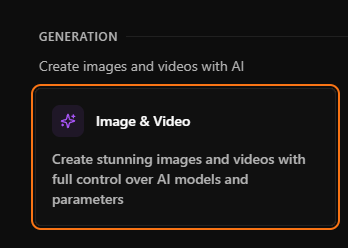
Rendez-vous sur votre page Sessions et créez une nouvelle session Image & Video. Si vous en avez déjà une ouverte, cela fonctionne parfaitement aussi.
Étape 2 — Sélectionner le modèle
Cliquez sur le menu déroulant du sélecteur de modèle en haut de votre zone de prompt. Parcourez la liste et choisissez Nano Banana 2. Vous le trouverez aux côtés des autres modèles de la famille : Nano Banana et Nano Banana Pro.
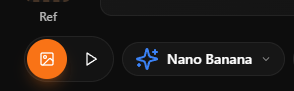
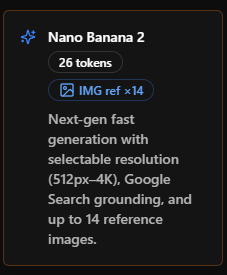
Étape 3 — Rédiger votre prompt et lancer
Décrivez l'image souhaitée dans le champ de texte, choisissez votre format et votre résolution, puis cliquez sur Envoyer. En quelques secondes, votre image apparaît dans le fil de conversation.
Astuce : n'hésitez pas à utiliser la fonction de traduction automatique intégrée. Rédigez votre prompt dans n'importe quelle langue — la plateforme le traduit en anglais pour le modèle tout en conservant votre texte original visible.
Étape 4 — Itérer et affiner
Une fois votre image générée, vous pouvez :
- Remix : relancer la génération avec le même prompt mais des paramètres légèrement différents.
- Utiliser comme référence : cliquer sur l'icône crayon pour utiliser cette image comme point de départ d'une nouvelle génération.
- Animer : envoyer l'image en mode vidéo pour la transformer en clip animé.
- Upscaler : booster votre image en haute résolution (x2 ou x4) via Topaz Upscaler.
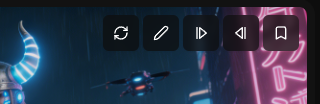
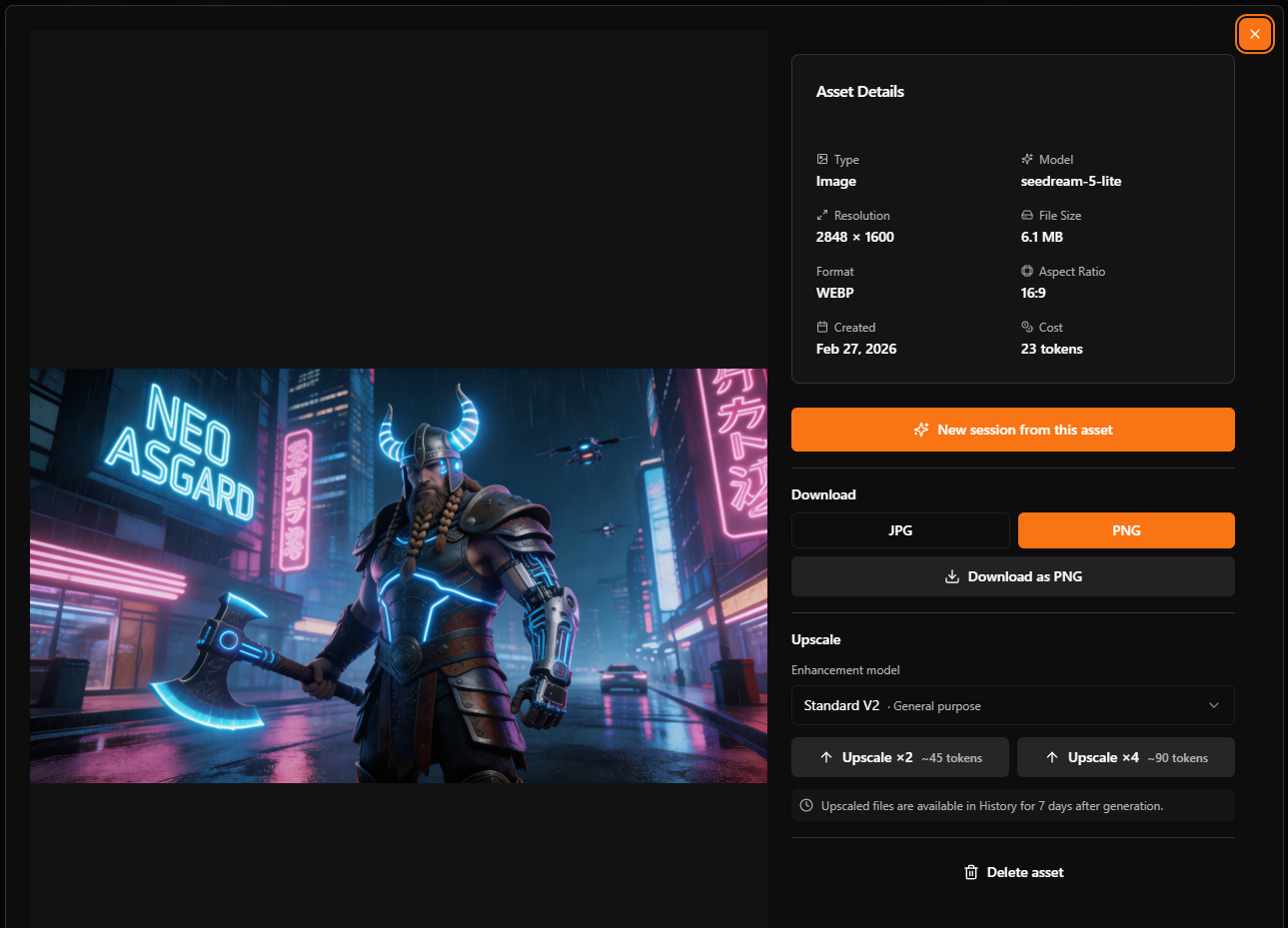
Là où Nano Banana 2 excelle : cas d'usage concrets
Exploration rapide de concepts
Vous travaillez sur une direction artistique et devez tester cinq ambiances différentes en dix minutes ? Nano Banana 2 est fait exactement pour ça. Sa rapidité vous permet de balayer un large éventail de possibilités sans attendre.
Exemple de prompt : « Café parisien un jour de pluie, style aquarelle, tons bleus et dorés, vue depuis la terrasse »
Visuels pour les réseaux sociaux
Les community managers et marketeurs qui ont besoin de visuels originaux au quotidien vont adorer. Générez des illustrations pour vos publications, stories et bannières en un temps record.
Exemple de prompt : « Illustration en flat design d'une femme travaillant sur un ordinateur portable dans un bureau à domicile chaleureux, plantes, éclairage chaud, style minimaliste moderne »
Moodboards et présentations
Avant de passer à un modèle premium pour la version finale, utilisez Nano Banana 2 pour construire vos moodboards et valider des directions créatives avec vos clients ou votre équipe.
Exemple de prompt : « Photographie de produit, flacon de parfum en verre sur une surface en marbre, tons rose tendre et dorés, esthétique luxe, éclairage de studio »
Prototypage pour les artistes numériques
Les illustrateurs et concept artists peuvent utiliser Nano Banana 2 comme outil d'idéation rapide. Générez des compositions brutes, identifiez celles qui fonctionnent, puis affinez avec des modèles plus avancés comme Flux Pro ou Imagen 4 Ultra.
Nano Banana 2 face aux autres modèles : comment choisir
AB-Arts Studio met à votre portée un large éventail de modèles, chacun avec ses propres atouts. Voici où se situe Nano Banana 2 dans l'écosystème.
| Itération rapide, exploration de concepts | Nano Banana 2, Flux Schnell |
| Qualité maximale, rendu photoréaliste | Imagen 4 Ultra, Flux Max |
| Bon équilibre vitesse/qualité | Flux Dev, Seedream v4.5 |
| Édition d'une image existante | Seedream 4 Edit, Flux Kontext Pro |
| Entrée multi-références (jusqu'à 14 images) | Seedream 5 Lite |
| Portraits et avatars | Avatar |
Le workflow est simple : démarrez vos sessions créatives avec Nano Banana 2 pour explorer et valider vos idées à moindre coût en tokens, puis passez à un modèle premium pour la version finale en haute résolution.
5 conseils pour des résultats optimaux avec Nano Banana 2
- Soyez descriptif dans vos prompts. Au lieu de « un chat », essayez « un chat roux endormi sur un rebord de fenêtre, lumière du matin, style photographique, faible profondeur de champ ». Plus vous fournissez de contexte, plus le résultat sera proche de votre intention.
- Commencez en basse résolution. Testez vos prompts en 1K pour économiser des tokens. Une fois satisfait du résultat, régénérez en 2K ou 4K, ou utilisez Topaz Upscaler pour améliorer la qualité.
- Exploitez les images de référence. Importez une image dans l'emplacement Ref pour guider le style ou la composition. C'est particulièrement efficace pour maintenir une cohérence visuelle sur une série de créations.
- Utilisez Remix à bon escient. Quand une génération est presque parfaite, cliquez sur Remix plutôt que de tout recommencer. Ajustez un détail dans le prompt ou changez le seed pour obtenir une variation proche.
- Combinez avec les workflows. Générez une image avec Nano Banana 2, puis utilisez Quick Animate pour la transformer en vidéo, ou Character Consistency pour créer votre personnage sous plusieurs angles. Les fonctionnalités de la plateforme sont conçues pour fonctionner ensemble.
Disponible dès maintenant
Nano Banana 2 est déjà actif dans votre espace de travail AB-Arts Studio. Aucune mise à jour à installer, aucun réglage à modifier — ouvrez une session, sélectionnez le modèle et commencez à créer.
Et si vous débutez sur la plateforme, c'est le moment idéal pour découvrir ce que l'IA générative peut apporter à vos projets créatifs. Votre bonus de tokens de bienvenue vous attend.
Articles liés
← Toutes les actualités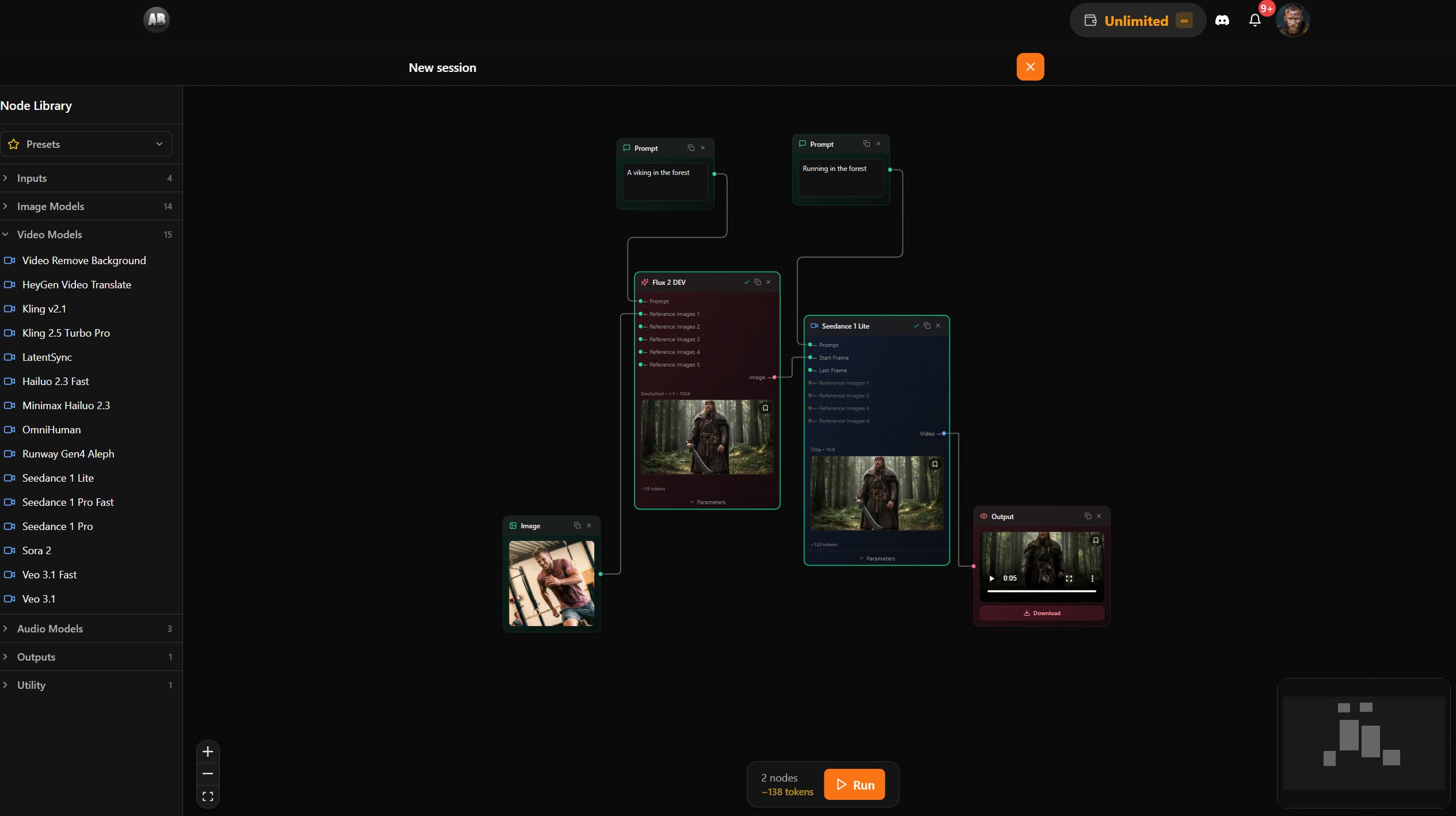
AB-Arts Studio — Nouveautés : éditeur de nœuds, documentation intégrée
Supprimer l'arrière-plan d'une vidéo avec l'IA : isolez n'importe quel sujet en quelques secondes
Découvrez comment la fonctionnalité Remove Video Background d'AB-Arts Studio vous permet d'isoler des sujets avec un arrière-plan transparent pour un montage vidéo sans accroc.
Explorez chaque angle de votre création dans AB-Arts.Studio
Notre nouvelle Session Caméra Multi-Angles vous permet de vous déplacer librement autour de n'importe quelle image importée. Déplacez le curseur, choisissez de nouveaux points de vue et générez instantanément des perspectives différentes et saisissantes grâce à l'IA. Un véritable contrôle créatif au bout des doigts !