
Sketch to render: an AI agent orchestrates Rhino, ComfyUI, Blender
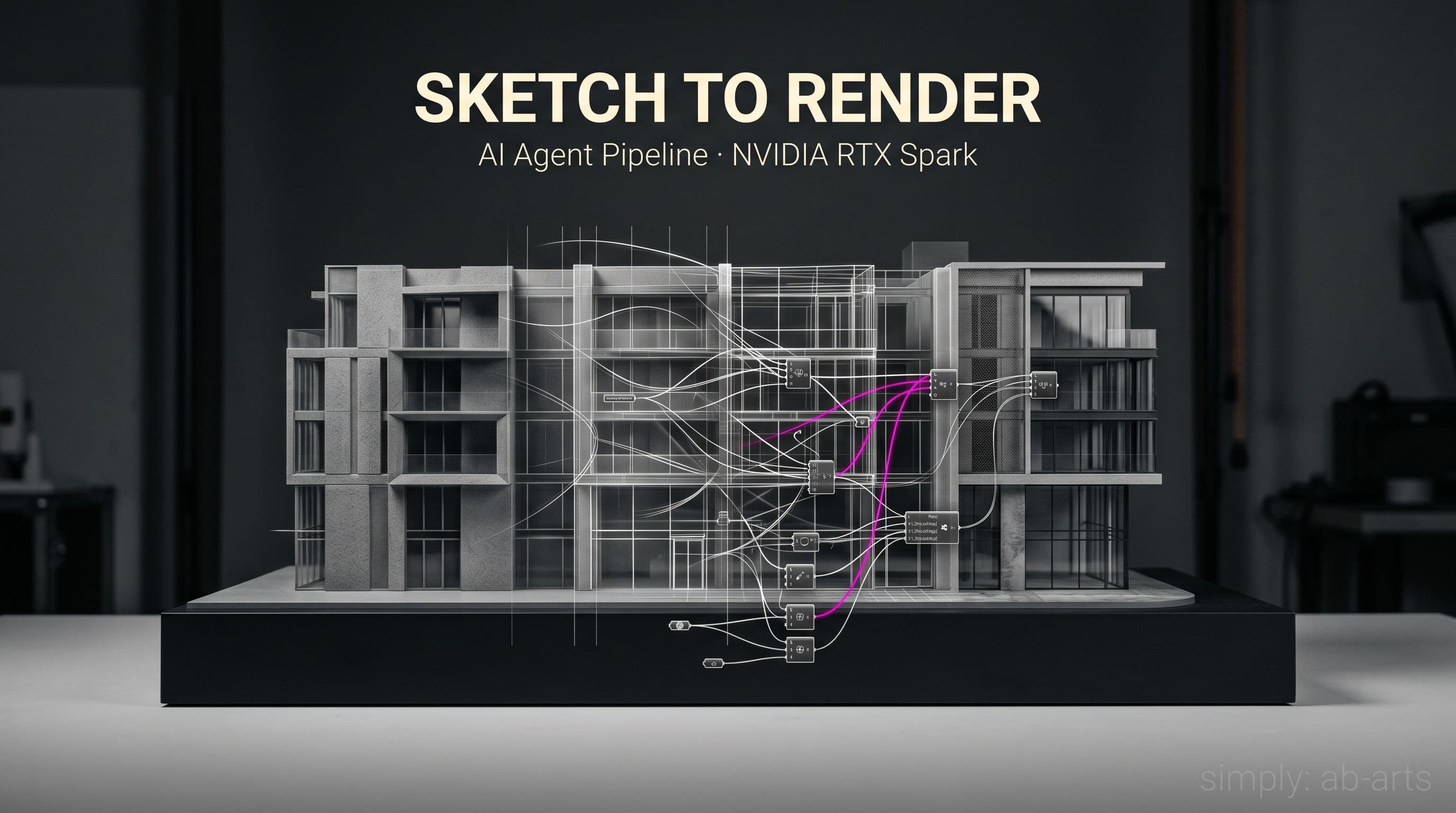
Picture a Tuesday morning at a Brussels architecture firm. The client briefs the team at nine, expecting three photorealistic visualizations of the same facade by Thursday noon. One daytime, one nocturnal, one late-day with raking light. Forty-eight hours. The partner looks at the team, who look at the screen, who look at the coffee. The old way meant three people, six software tools, and a relay race of handoffs. A different approach is now emerging: Nous Research and NVIDIA recently showed how a local AI agent can stitch Rhino, ComfyUI and Blender into one pipeline, running on a compact machine that sits under the desk.
The daily reality of an architectural studio lives in this mechanic: from hand sketch to volumetric model, from model to ambient render, from render to compositing for the presentation board. Every transition costs an export, an import, a material tweak, a wait. The proposal demoed by NVIDIA and Nous Research turns this on its head: an AI agent orchestrates all three software tools the way a workshop lead would direct three apprentices, leaning on local infrastructure that makes the whole thing practical off-cloud.
The pipeline in brief: Rhino, ComfyUI, Blender
The mechanic is simple to describe. The architect drafts the volume in Rhino, as they always have: NURBS curves, axonometric views, standard format exports. The AI agent pulls that model, extracts a framed view, sends it into ComfyUI to generate several ambient proposals (materials, sky, vegetation, light) from a text prompt or a visual reference. The selected ambiences flow back into Blender, where they act as backdrop texture and lighting reference for a final, composited, deliverable 3D render.
ComfyUI deserves a quick explainer: it's an open-source node editor, meaning a canvas on which you visually wire the steps of an AI workflow. Stable Diffusion, ControlNet, and most generative image models plug in with a few clicks. For an architect, what makes ComfyUI valuable in this pipeline boils down to one word: consistency. The volumetric structure stays identical across variants; only the chromatic envelope changes. The facade remains the facade. What shifts is the sky and the materials.
Blender, in turn, acts as the mixing room. That's where the Rhino volume's 3D render combines with the ComfyUI ambiences, where shadows settle, where the lighting locks in. Either Cycles or Eevee handles the rendering, depending on whether you prioritize photoreal quality or iteration speed. Worth noting: routing through Blender keeps the geometry editable until the very end. If the client asks to add a floor, you add a floor, and the pipeline reruns.
The agent's role: what changes for the architect
The AI agent, in this story, is not yet another tool to learn. It's the thread that ties everything else together. Nous Research has named theirs Hermes Agent, but the mechanic carries over to a Claude agent or an equivalent Claude Code script. Concretely, the agent receives a natural-language instruction ("generate three daytime variants of this volume, with different materials"), plans the steps, opens Rhino, exports, fires up ComfyUI, waits for the outputs, filters those that pass a consistency check, hands them to Blender, kicks off the render, and drops the files into the project folder.
Until recently, that kind of orchestration was a brittle assembly of in-house scripts. Today, it falls within the standard AI-agent framework, with its tooling: session memory, error handling, automatic retry on failure. For the architect, the shift in posture is sweeping. They stop juggling three pieces of software in sequence and start directing an agent. They say what they want, check what the agent brings back, adjust the instruction if needed. The design gesture sharpens.
💡 The architect stays the author. The agent becomes the assistant that executes, and the machine, the studio that hosts the work.
This division of labor is essential, and it's exactly what our production practice defends on every project: AI does not replace the creative gesture; it prunes the repetitive work around it. The architect keeps a firm hold on intent, composition, materiality, and delegates to the agent what used to be time lost in imports and exports.
The hardware that makes it local: NVIDIA RTX Spark
In theory, this whole pipeline could live in the cloud. In practice, two problems get in the way. The first is confidentiality: an architectural project is a sensitive asset that no client wants to see transiting foreign servers. The second is latency: iterating ten times on a single ambience means ten round trips to a data center, ten waits, ten invoices. That's where the NVIDIA RTX Spark enters, which we already covered in our piece on the personal AI laptop.
The RTX Spark, in its compact desktop form, fits in a corner of the desk and runs models of more than seventy billion parameters locally. It's the equivalent of a personal mini data center, sized precisely for AI agent inference, rendering and image generation. For the pipeline at hand, this means ComfyUI and the Hermes agent (or Claude) run on the same machine as Rhino and Blender, with no mandatory external connection. The project data never leaves the studio.
What this makes possible goes beyond raw performance. It installs a complete, self-contained digital studio that no longer waits on an API quota or a stable broadband connection to produce. A team of five can, from now on, equip its studio with a ten-thousand-euro machine and reproduce at home what a cloud-first agency pays in monthly subscriptions.
Manual pipeline vs orchestrated pipeline: the comparison that matters
To measure the gap, lay both sides on the table. Here is what we observe on a realistic agency case: a single facade delivered as three ambiences.
| Dimension | Classic manual pipeline | Locally orchestrated pipeline |
|---|---|---|
| Total time (3 ambiences) | 16 to 24 working hours | 45 to 90 minutes |
| Number of iterations per variant | 2 to 3 | 10 to 20 |
| Cloud dependency | Variable, often partial | None (fully local) |
| Final render quality | High, but frozen early | High, and revisable to the end |
The gain isn't measured in hours alone. It's also measured in the quality of the decision. When you can iterate twenty times rather than three, you explore more paths, you reject the bad ones faster, you settle on a sharper intent before delivery. That margin for maneuvering, more than raw speed, is what reshapes the value of the deliverable.
Limits and maturity: what to know before jumping in
That said, this pipeline is not yet a turnkey product. The demo filmed by NVIDIA and Nous Research was calibrated, and moving from a demo case to real production takes work. Three points deserve to be named clearly.
First, multi-variant consistency. ComfyUI, wired to Stable Diffusion or an equivalent image model, can produce ambiences that drift slightly from one another. Holding three strictly consistent variants (same facade, same proportions, only the envelope changing) demands careful tuning of ControlNet and the reference pass. It's not plug-and-play.
Second, training the agent. A generic agent knows how to orchestrate tools; a useful agent also knows which errors to catch, which variants to filter out, which quality bar to validate. That domain intelligence isn't in the base model; it's built inside a studio, by running the loops, noting what works. Count a few weeks of fine-tuning before an agent is truly productive in a given practice.
Third, the machine. An RTX Spark today costs several thousand euros, and you have to factor in the surrounding software ecosystem (Rhino licenses, Blender free, ComfyUI open source, Claude agent or equivalent). The ticket of entry isn't trivial, even though it stays well below a cloud subscription on a five-year view.
Who this is ripe for today
From these limits, a clear profile emerges for who should jump in now. Firms of five to twenty people, producing several competition entries and several client presentations a month, are the first winners. Return on investment lands in six to twelve months, provided there's an internal technical lead, or a partner who takes on the rollout.
Independents and very small studios would do better starting with the hardware piece alone (a well-sized workstation, ComfyUI without an agent) and leaving full orchestration for a second phase. The learning curve is shallower when broken in two.
Very large agencies, finally, already have their pipelines, their licenses, their dedicated teams. For them, the issue isn't the hardware so much as integration with often heavy existing layers: BIM, IFC, collaborative platforms. That's precisely the kind of transition our training on agents and orchestration addresses, technically and organizationally.
The next step for an architecture studio
If reading this triggers a real project, the sequence is clear. Start with a POC, that is, a proof of concept on a real and bounded case, with a single facade and three ambiences. Measure the gain, adjust, then generalize. That discipline of bounded testing, rather than a sweeping AI overhaul in one go, is what separates the studios that succeed at this shift from those that lose themselves in the hype.
→ To explore that discipline in depth, browse our masterclasses on AI agents and orchestration. For a tailored POC inside your firm (agent setup, Rhino-ComfyUI-Blender pipeline configuration, team training), reach out through our contact page.
Move from reading to producing.
What we experiment with here, we ship for you. AB-Arts designs, trains and supports: three ways of working together, one team under the same roof.
Web, motion, video, image and campaigns. From concept to master, full production under one roof.
AB-Academy trains your teams in AI, workflows and creative tools. On-site or remote.
Audit, consulting, automation. We clear up your digital environment, and build what's missing.
Related articles
← All news
AB-Arts is a Google Partner: Cloud, Vertex AI, Workspace
AB-Arts is a Google Partner. We deploy Google Cloud, Vertex AI and Workspace for European teams: security, compliance and hands-on support.
Claude MCP Catalogue 2026: 131 connectors ready to wire
The full catalogue of official Claude MCPs sorted by business use, with the install command ready to copy. 131 connectors and counting.

Before automating, be curious: the AB-Arts method
Before writing an agent or wiring an MCP, you need to be curious, document what you know, and keep it current. The AB-Arts method for Claude.