
Unlocking Cinematic Quality with Topaz Video AI 6: A Game-Changer for Video Enhancement
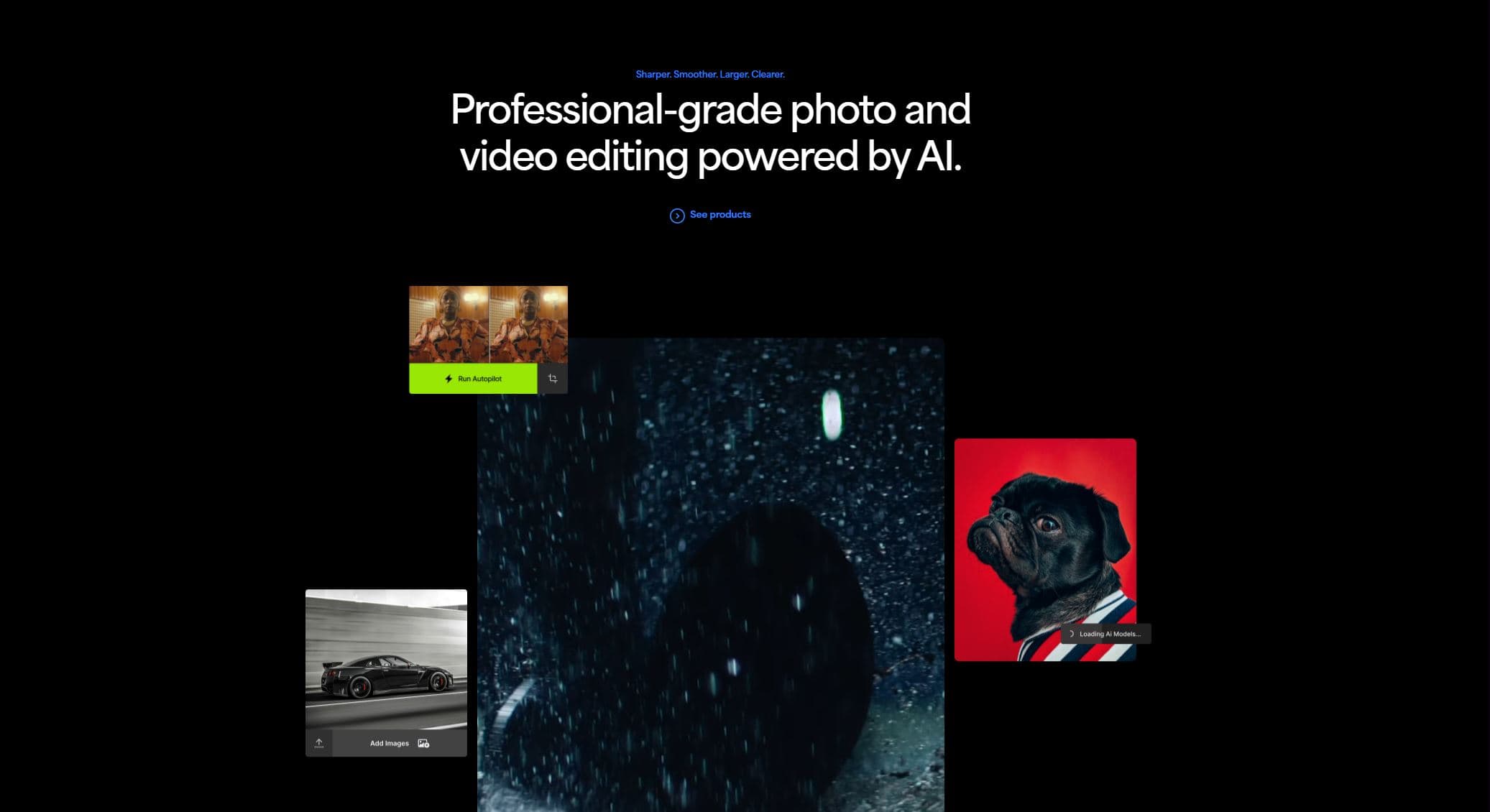
As a video enthusiast always on the lookout for tools that elevate my content, I recently stumbled upon Topaz Video AI 6, and it has truly transformed my editing workflow. This advanced software leverages artificial intelligence to upscale, denoise, and stabilize videos, delivering professional-grade results with minimal effort.
Key Features That Set Topaz Video AI 6 Apart
- 16K Upscaling: Elevate your videos to stunning 16K resolution, ensuring every detail is crisp and clear.
- Frame Interpolation: Achieve ultra-smooth motion by increasing frame rates up to 16 times, perfect for slow-motion effects.
- Denoise and Stabilize: Effectively reduce noise and stabilize shaky footage, enhancing the overall viewing experience.
- Cloud Rendering: Offload intensive processing tasks to the cloud, freeing up your system and speeding up your workflow.
- Enhanced User Interface: Navigate with ease through a more intuitive and responsive interface, streamlining your editing process.
- SDR to HDR Conversion: Transform standard dynamic range videos into high dynamic range, bringing out richer colors and deeper contrasts.
- Rhea XL Model: Utilize the latest AI model designed for handling complex textures, providing refined enhancements.
Getting Started with Topaz Video AI 6
Installation is straightforward. After downloading the installer from the official website, follow the on-screen instructions to set up the software. Ensure your system meets the minimum hardware requirements for optimal performance.
A Glimpse into the Future of Video Enhancement
Topaz Video AI 6 represents a significant leap forward in video enhancement technology. Its AI-driven capabilities empower creators to produce high-quality content with ease, making it an indispensable tool for both professionals and enthusiasts.
For a visual demonstration of Topaz Video AI 6 in action, check out the following video:
Related articles
← All news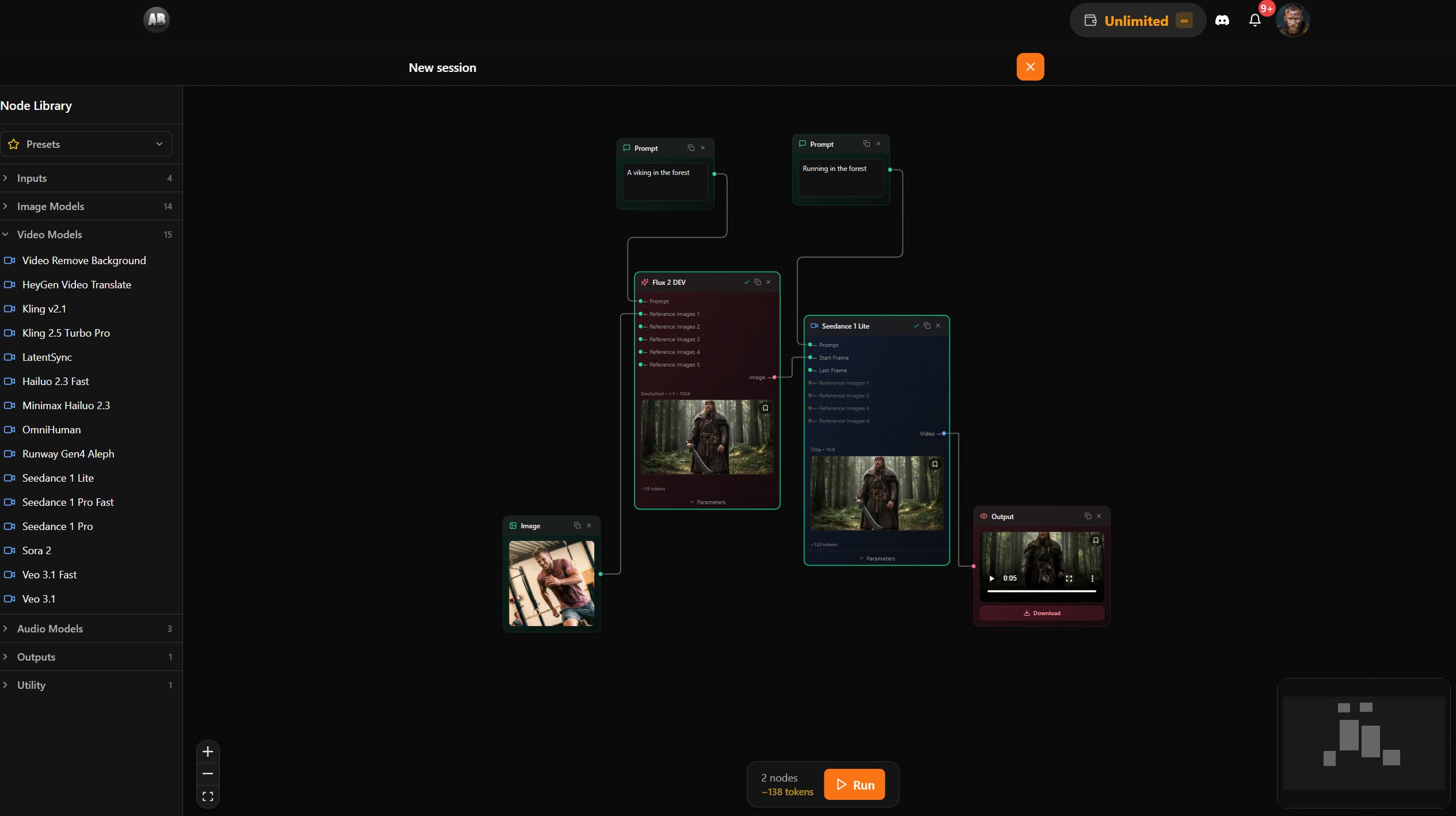
AB-Arts Studio — What's New: Node Editor, In-App Docs
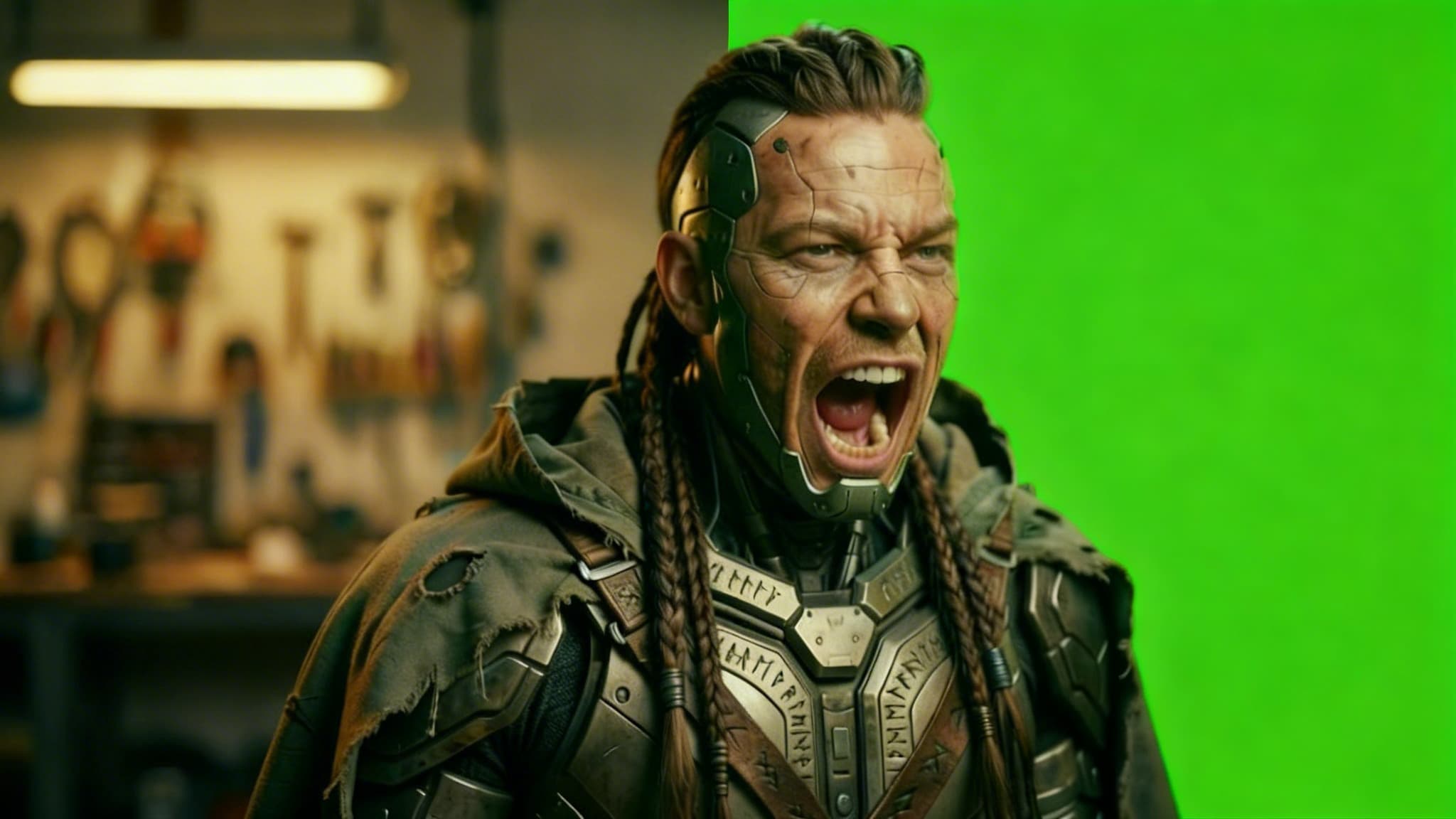
Remove Video Background with AI: Isolate Any Subject in Seconds
Discover how AB-Arts Studio's Remove Video Background feature lets you isolate subjects with transparent backgrounds for seamless video editing.
Nano Banana 2 Is Now Live on AB-Arts Studio: Faster AI Image Generation
Discover Nano Banana 2, the newest AI image generation model on AB-Arts Studio. Faster, sharper, and more prompt-accurate stunning results in seconds.