AB-Arts Studio — What's New: Node Editor, In-App Docs
AB-Arts Studio just shipped its most ambitious update since launch — and it changes what it means to work with AI creatively.
Until now, creating with AI meant working step by step: generate an image, then animate it, then upscale it — each action isolated, each model separate. That workflow works, but it doesn't match how creative projects actually unfold. Real projects branch, combine, and loop back on themselves.
This update introduces four new capabilities that move AB-Arts Studio from a powerful tool into a complete creative system: the Node Editor, an in-app documentation hub, an onboarding flow for new users, and a dedicated Blog Writer session type. Here's everything you need to know.
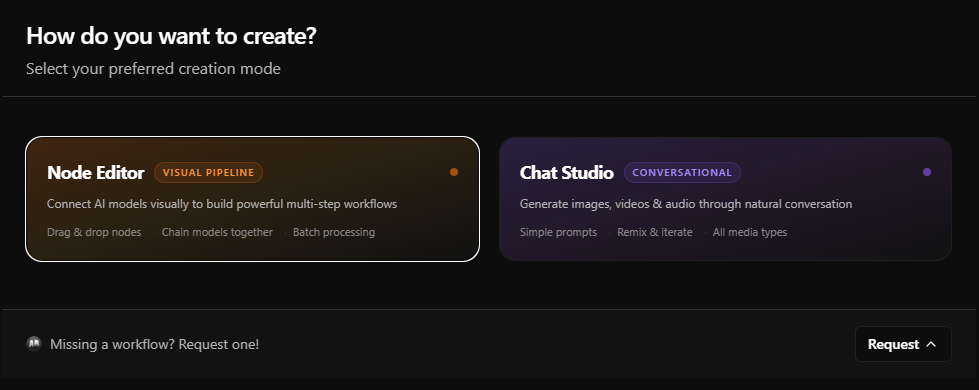
The Node Editor: Build AI Workflows Visually
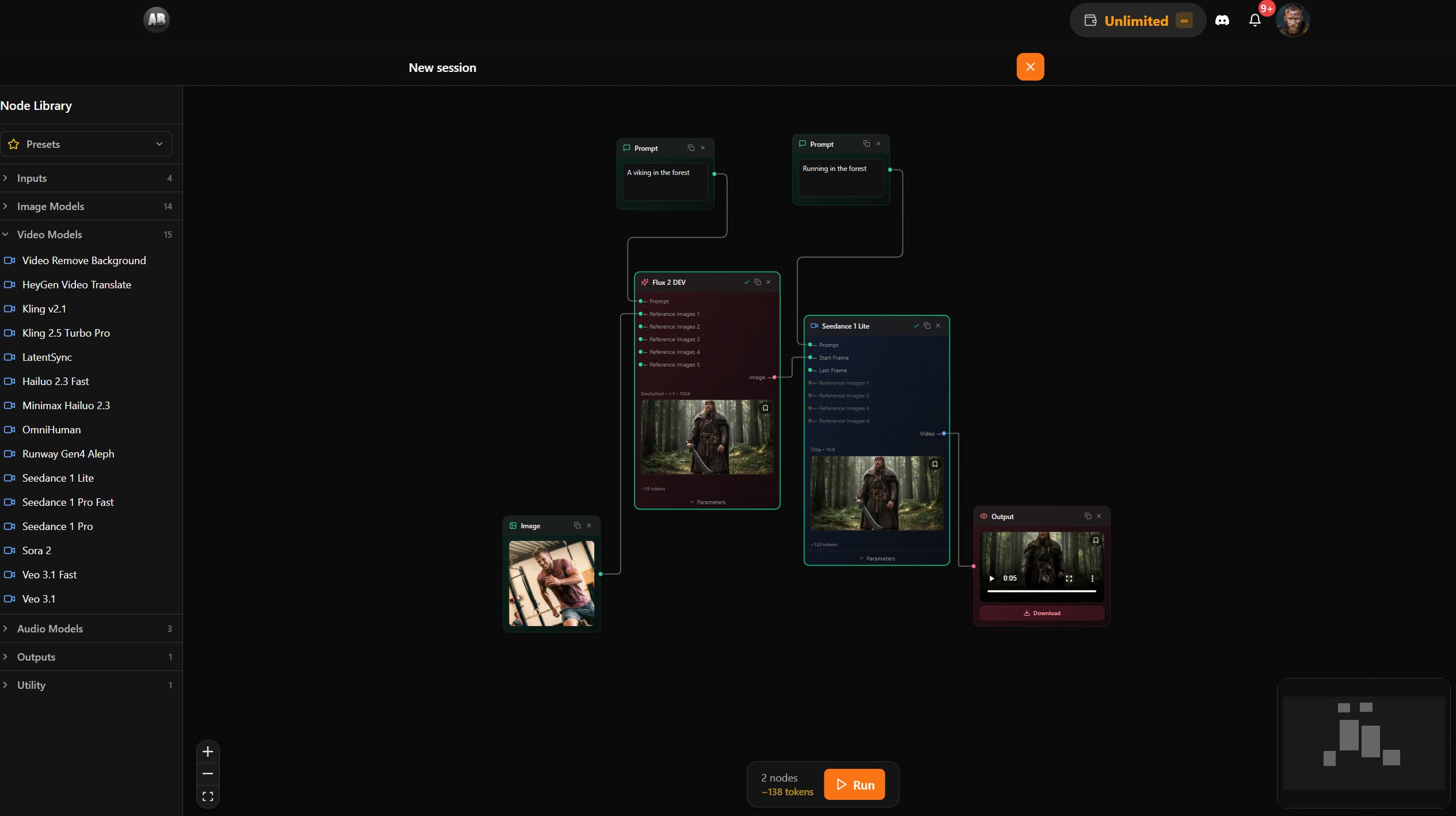
The Node Editor is a canvas-based pipeline builder — think of it as a visual programming environment where every node is an AI model, every connection is a data flow, and every run is an orchestrated AI sequence that executes automatically, start to finish.
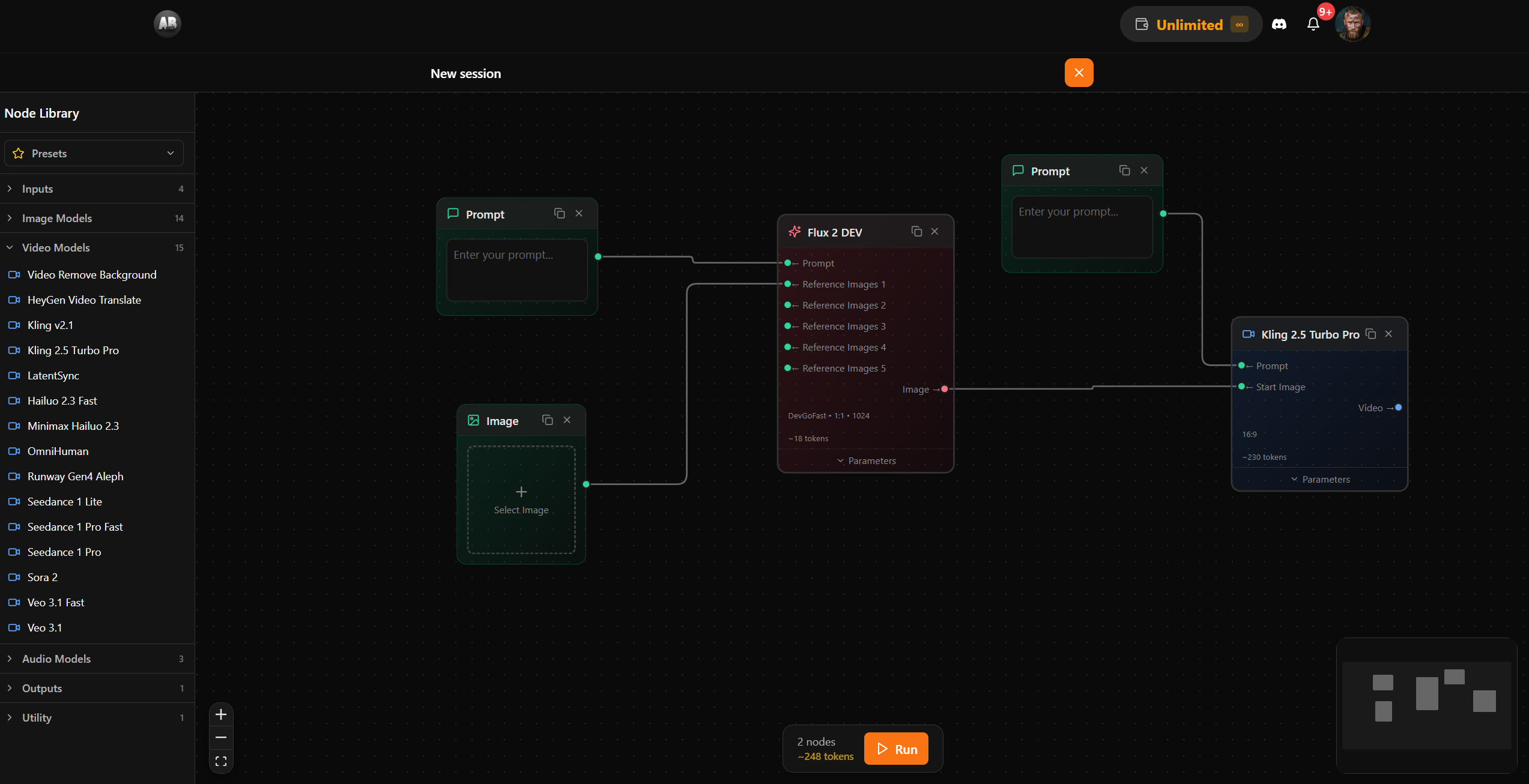
You connect nodes by dragging handles between them. You can route the output of an image model directly into a video model, or chain multiple prompt nodes into a single generation. The system validates connections in real time, shows you estimated token costs before you run, and animates each edge as data flows through it.
1. Seven node types, infinite combinations
The editor ships with seven node types across four categories:
| Node | Type | What it does |
|---|---|---|
| Prompt | Input | Free-text prompt that feeds into model nodes |
| Image Input | Input | Pick from your gallery or upload a reference image |
| Video Input | Input | Select a video from your library as a source |
| Audio Input | Input | Upload or select audio — for lip-sync or voice models |
| Model | Processing | Any AI model, with full parameter control and live cost estimate |
| Preview | Output | Displays image, video, or audio output with download controls |
| Note | Utility | Sticky annotation in 5 color variants — no AI, just you |
2. Smart connections with type validation
Not every node can connect to every other. The editor enforces data type validation — you can't pipe a video output into a text-only input. It also handles handle exclusivity: some model inputs are mutually exclusive (like start frame vs. reference image on a video model), so connecting one automatically disables the other. This prevents invalid pipelines before they run.
3. Real-time pipeline execution
Hit the Run button and the canvas comes alive. The editor performs a topological sort of your nodes, validates the graph for cycles, then sends the entire pipeline to the backend for orchestration. Nodes update their status in real time — idle, processing, completed, or failed. Edges glow as data flows between them.
💡 Token transparency. Before you run anything, the toolbar shows a live estimate of the total token cost of your pipeline — calculated dynamically as you add, remove, or configure nodes. No surprises.
4. Save and share pipelines with Presets
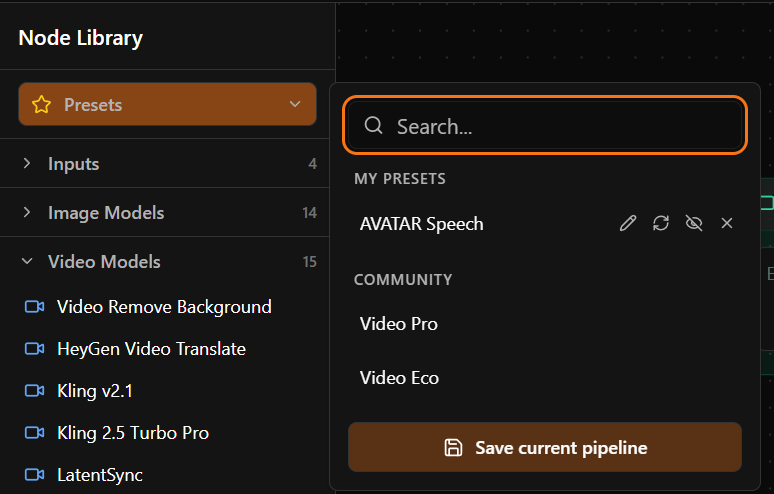
Built a pipeline you want to reuse? Save it as a named preset. Presets capture the full canvas state — nodes, edges, viewport position, and all parameter values — and restore them exactly when loaded. Presets can be personal or shared across a workspace, and you can even publish them publicly to the community.
Who is the Node Editor for?
The Node Editor unlocks workflows that simply weren't possible before in a single session:
- Photographers can build an automatic image → upscale → animate pipeline, then save it as a preset to apply to every new shoot.
- Video producers can chain a script prompt → voice generation → video model into a single executable workflow.
- Game developers can generate concept art, extract a texture, and feed it to a tileable texture model — all in one canvas.
- Marketing teams can build brand-consistent content pipelines that non-technical team members can run with one click via saved presets.
6 Tips for Getting the Most Out of the Node Editor
- Start from a preset — before building from scratch, check the preset library. There are pre-built pipelines for common workflows like image-to-video and concept-to-texture.
- Use Note nodes freely — annotate your pipeline sections so collaborators (or future you) understand the logic at a glance.
- Watch the cost estimate — the toolbar shows a live total before you run. Swap to a faster model (Flux Schnell, MiniMax Fast) to cut costs on draft runs, then switch to a premium model for finals.
- Lock your seed values — model nodes accept a seed parameter. Using the same seed across a pipeline produces reproducible, consistent outputs — essential for character work.
- Use the canvas lock to your advantage — the canvas locks during execution (no accidental edits mid-run). Use this time to review the previous run's output before it completes.
- Publish presets you're proud of — community presets are shared with all AB-Arts Studio users. If you've built something genuinely useful, share it.
Three More Updates Worth Knowing
In-App Documentation
The full AB-Arts Studio user manual is now available directly inside the platform — no tab-switching, no hunting through a separate site. The in-app documentation covers every session type, every model, token management, workspace collaboration, and advanced parameters. If you're mid-session and need a quick reminder of how upscaling costs are calculated or what the seed parameter does, the answer is one click away.
💡 Power user tip: The AB-Arts Assistant session type is still the fastest way to get answers in natural language. The new docs hub is complementary: structured reference material you can skim at your own pace.
Onboarding Flow for New Users
Every new AB-Arts Studio account now gets a guided first-run experience. The onboarding flow walks new users through creating their first session, understanding the token system, choosing the right model for their use case, and setting up a workspace if they're working as part of a team.
The goal is simple: get from sign-up to first successful generation in under three minutes.
The Bigger Picture
These four features share a common thread: they all reduce friction between you and your creative output. The Node Editor removes the friction of switching between tools. In-app documentation removes the friction of leaving the platform to find answers. The onboarding flow removes the friction of figuring out where to start. And the Blog Writer removes the friction between generation and publication.
AB-Arts Studio was always designed to bring serious AI capabilities to serious creators. This update moves that vision forward significantly — and it's just the start of what's coming in 2026.
Ready to build your first pipeline? Open AB-Arts Studio, create a Node Editor session, and hit Run. Your first preset could be live in under ten minutes.
Related articles
← All news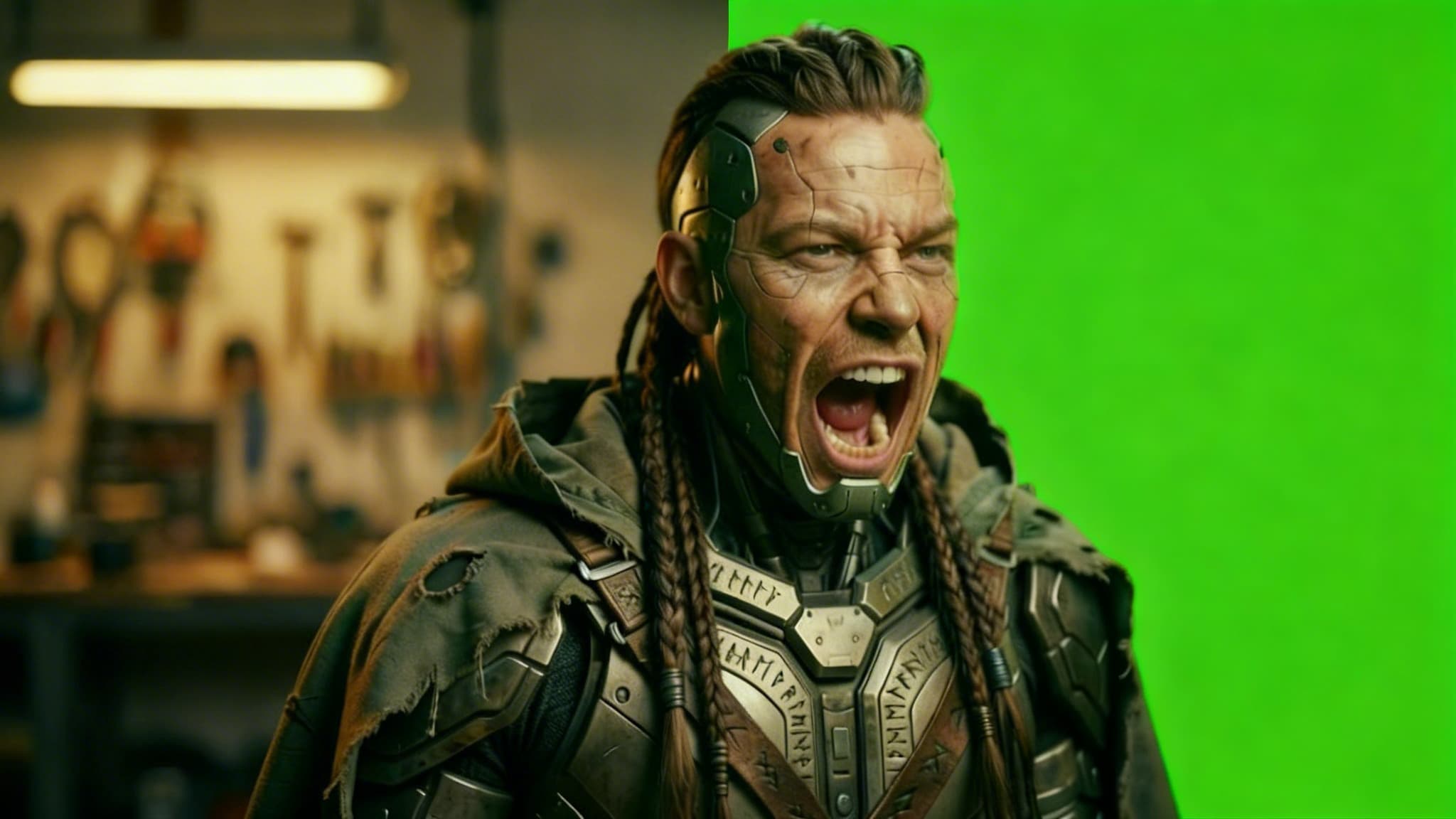
Remove Video Background with AI: Isolate Any Subject in Seconds
Discover how AB-Arts Studio's Remove Video Background feature lets you isolate subjects with transparent backgrounds for seamless video editing.
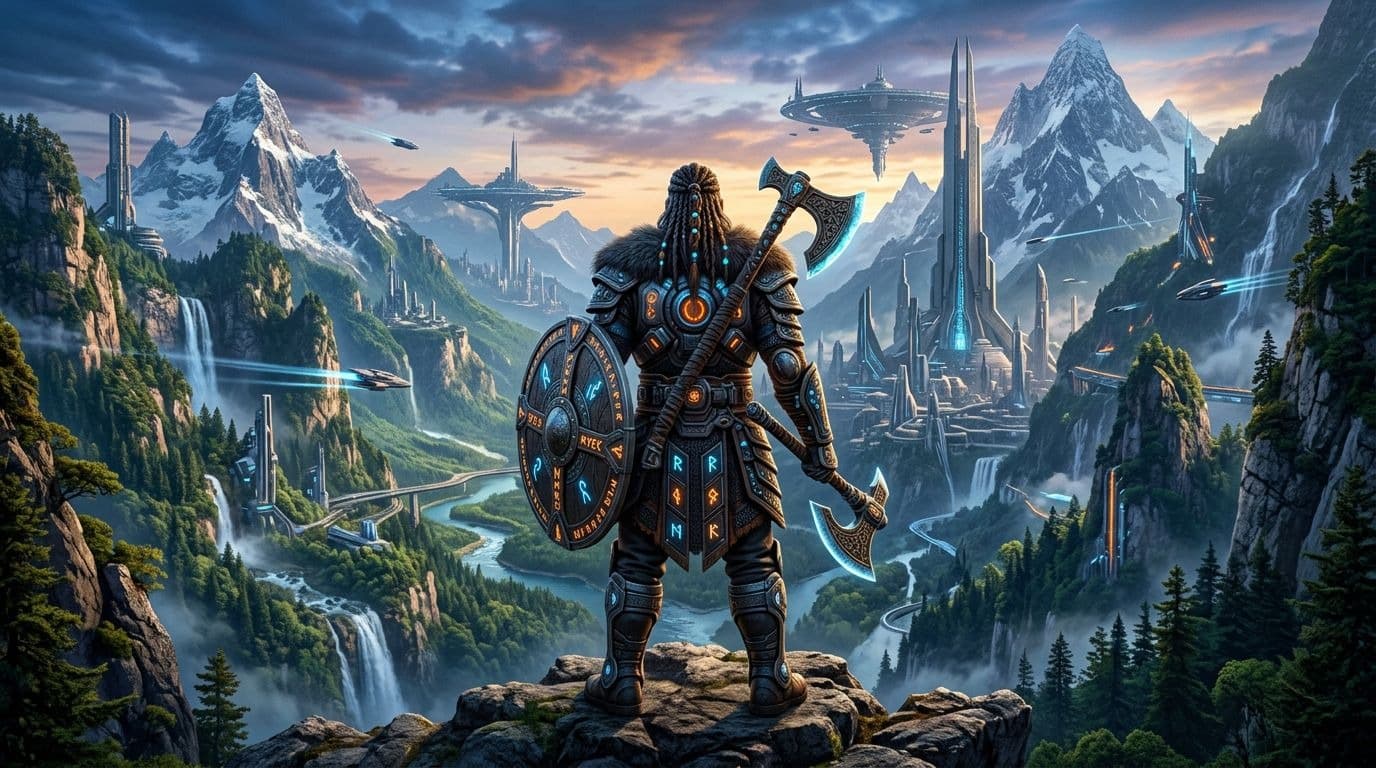
Nano Banana 2 Is Now Live on AB-Arts Studio: Faster AI Image Generation
Discover Nano Banana 2, the newest AI image generation model on AB-Arts Studio. Faster, sharper, and more prompt-accurate stunning results in seconds.
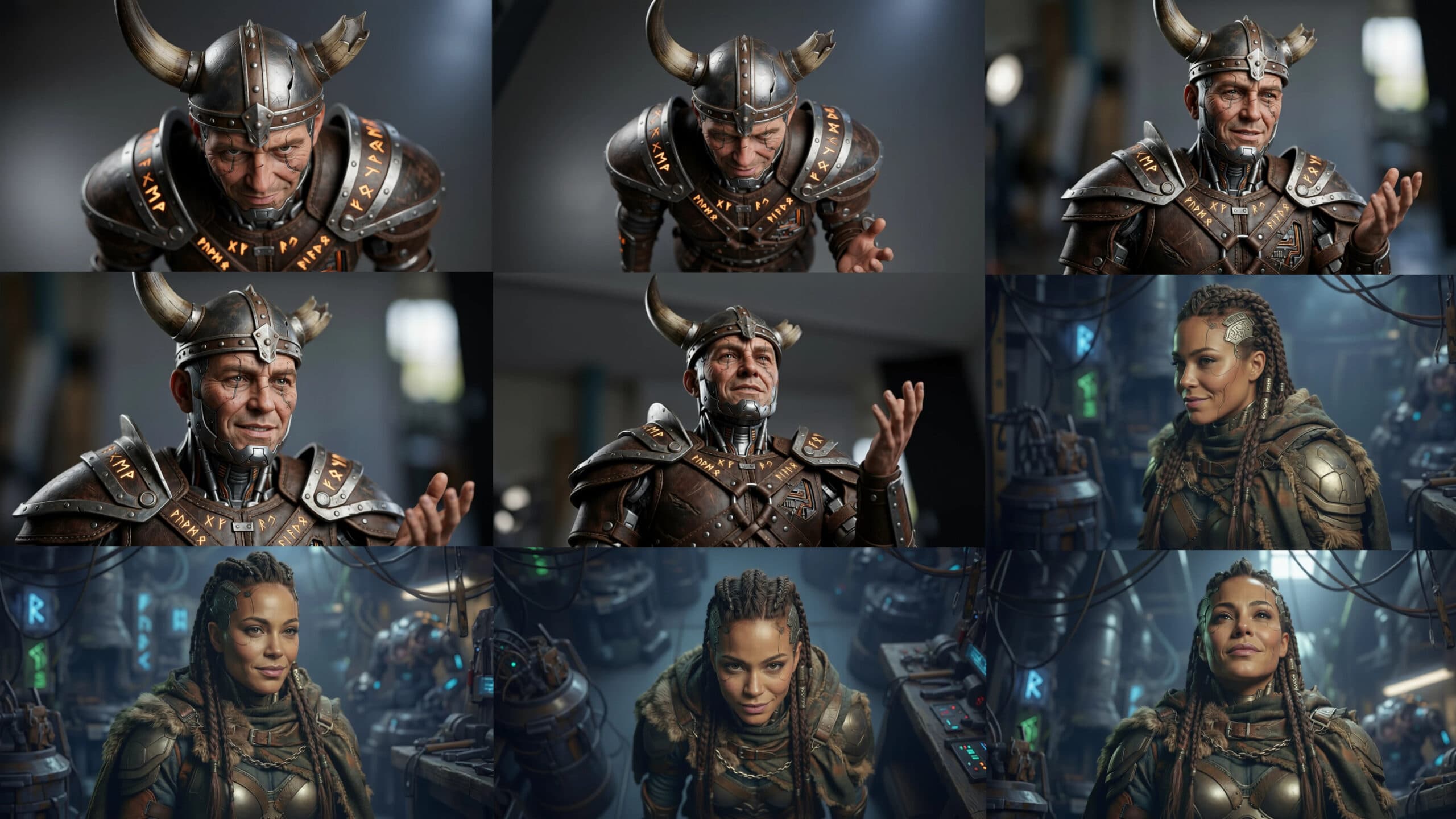
Explore Every Angle of Your Creation in AB-Arts.Studio
Our new Multi-Angle Camera Session lets you freely move around any uploaded image. Drag the cursor, pick new viewpoints, and generate stunning different perspectives instantly with AI. True creative control at your fingertips!