Explore Every Angle of Your Creation in AB-Arts.Studio
Hello creators!
Big news today from AB-Arts.Studio
We just launched the Multi-Angle Camera Session – and it changes everything.
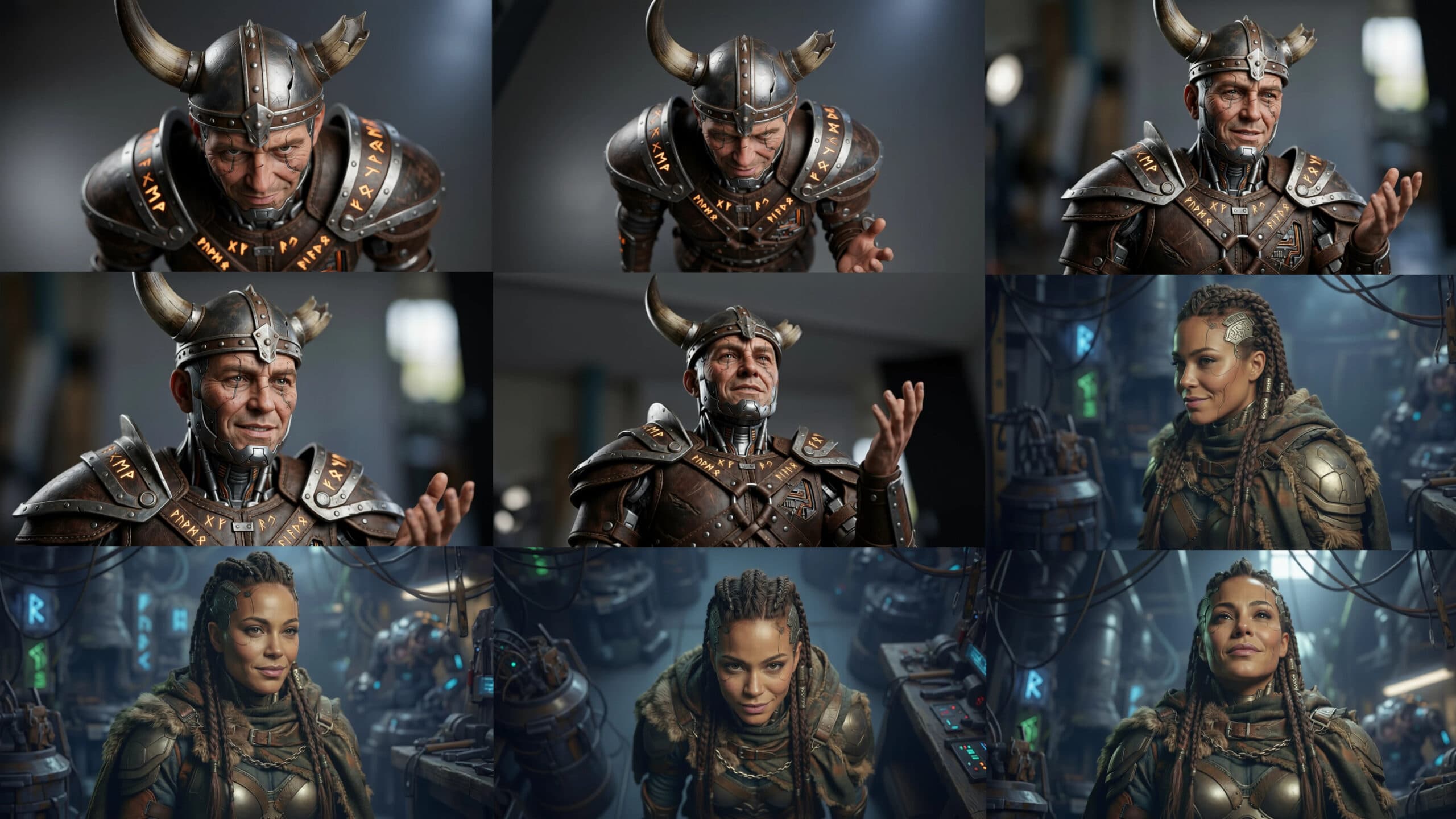
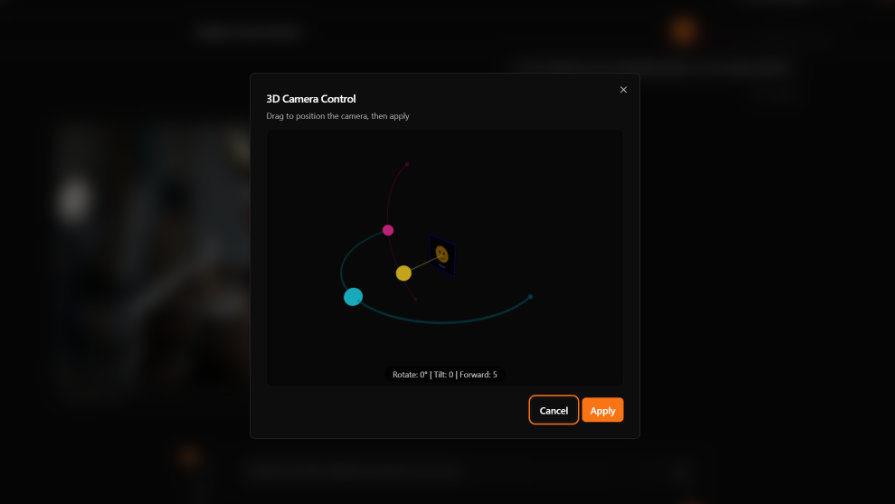
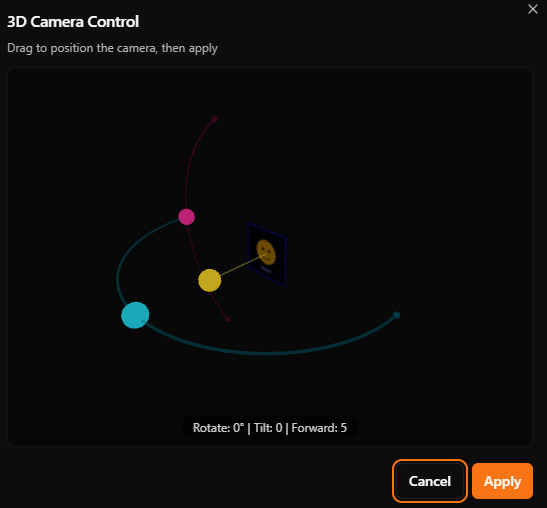
Upload one image. Then enter a dedicated session where you control the camera like never before. Grab the 3D Camera Cursor and drag it freely. Send and our AI instantly generates a fresh, coherent view from that exact position.
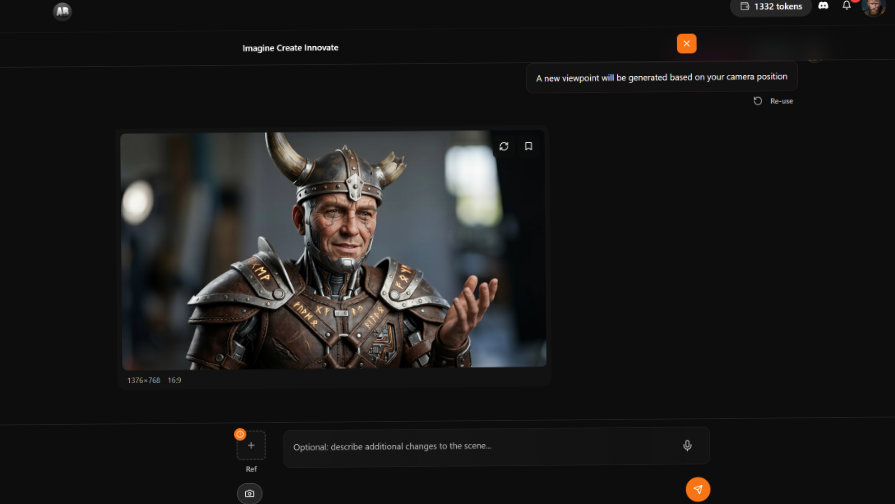
Want a dramatic low-angle shot? Side profile? Overhead view? Slight tilt for mood? You decide. Generate as many angles as you need in the same session.
This runs on one of our most advanced image models. Consistency stays excellent across angles. Details, lighting, style – everything holds up beautifully.
Perfect for real workflows
Product designers need clean side, front, back, ¾ views. Character artists want turnaround sheets without redrawing. Marketers crave fresh social assets from one hero shot. Filmmakers storyboard multiple cinematic angles fast.
No more guessing with separate prompts. One session. Unlimited exploration.
Jump into your first Multi-Angle Camera Session
1. Head to AB-Arts.Studio and log in
2. Create a new session
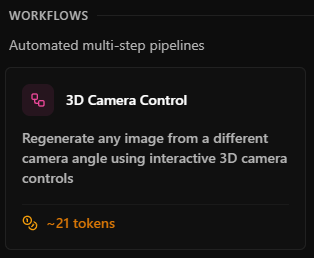
3. Click “3D Camera Control”
4. Click on the camera Icon in the chat input

5. Drag the cursor → generate new views on demand
6. Select or upload your image ref

Then press send :D

We built it fast and reliable for Belgian creators and teams across Europe. Quick support if you ever need help.
Ready to see your work from every possible angle?
Show us your multi-angle magic in the comments or on social!
Keep pushing boundaries, The AB-Arts Team
Related articles
← All news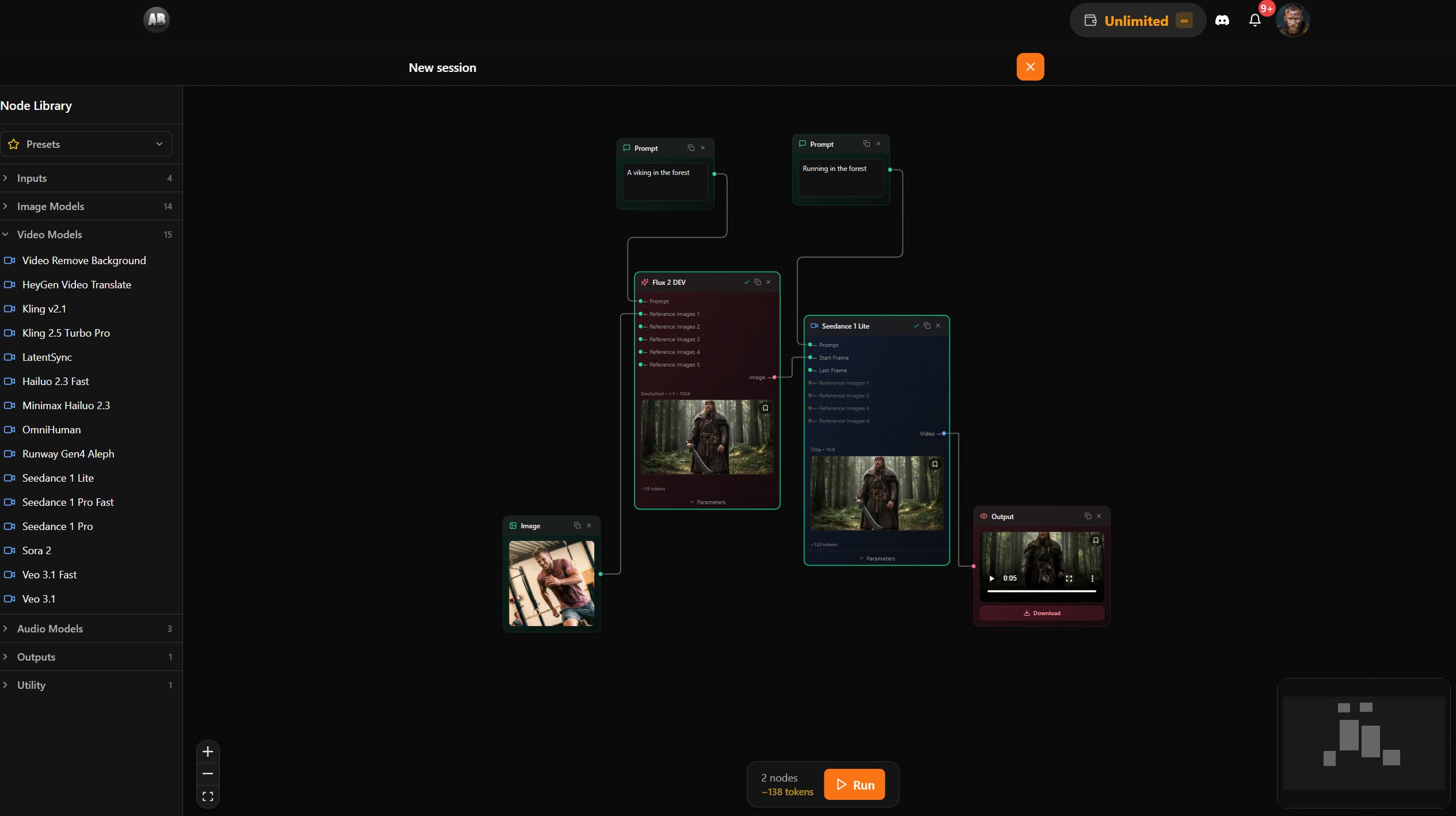
AB-Arts Studio — What's New: Node Editor, In-App Docs
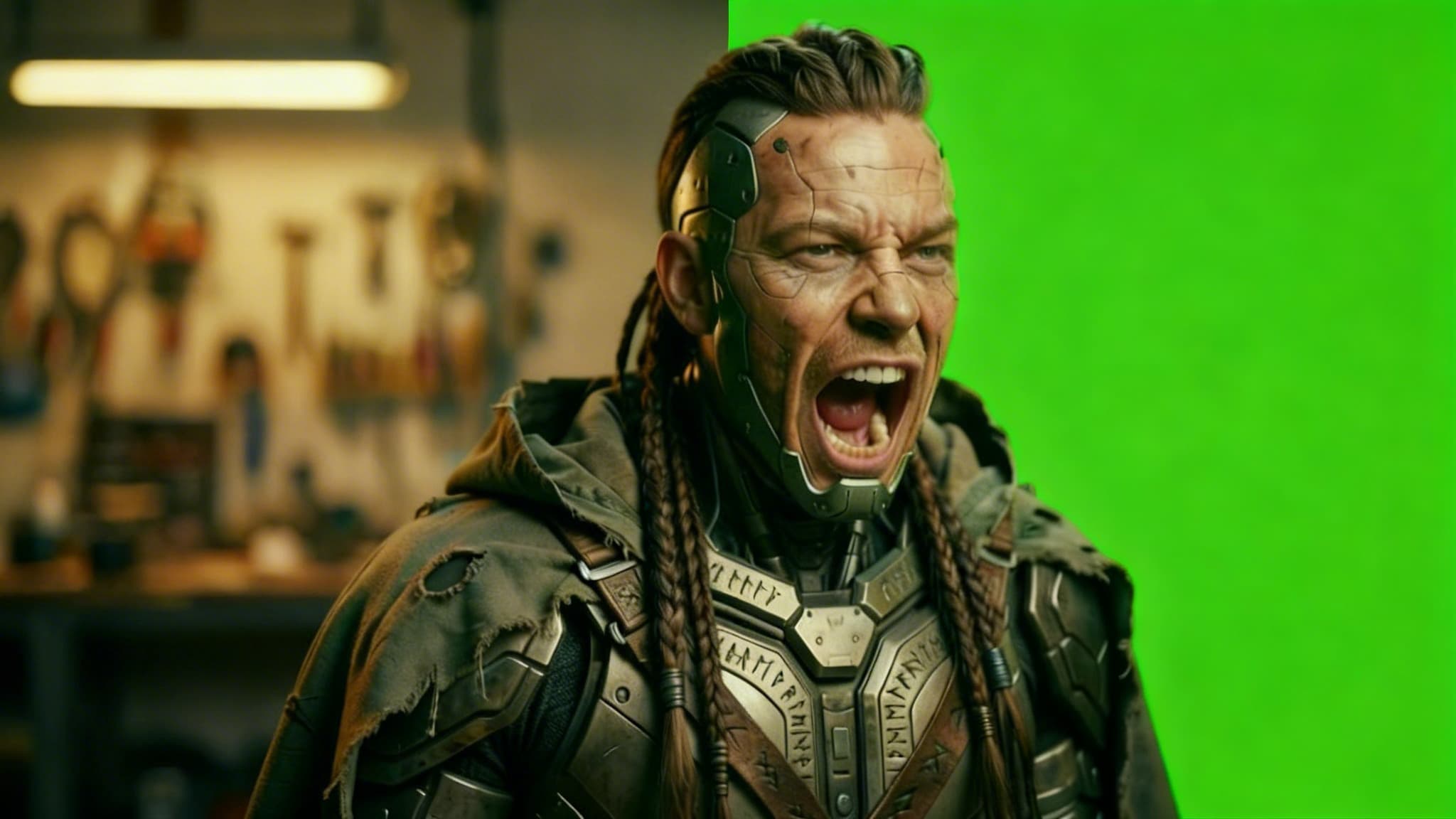
Remove Video Background with AI: Isolate Any Subject in Seconds
Discover how AB-Arts Studio's Remove Video Background feature lets you isolate subjects with transparent backgrounds for seamless video editing.
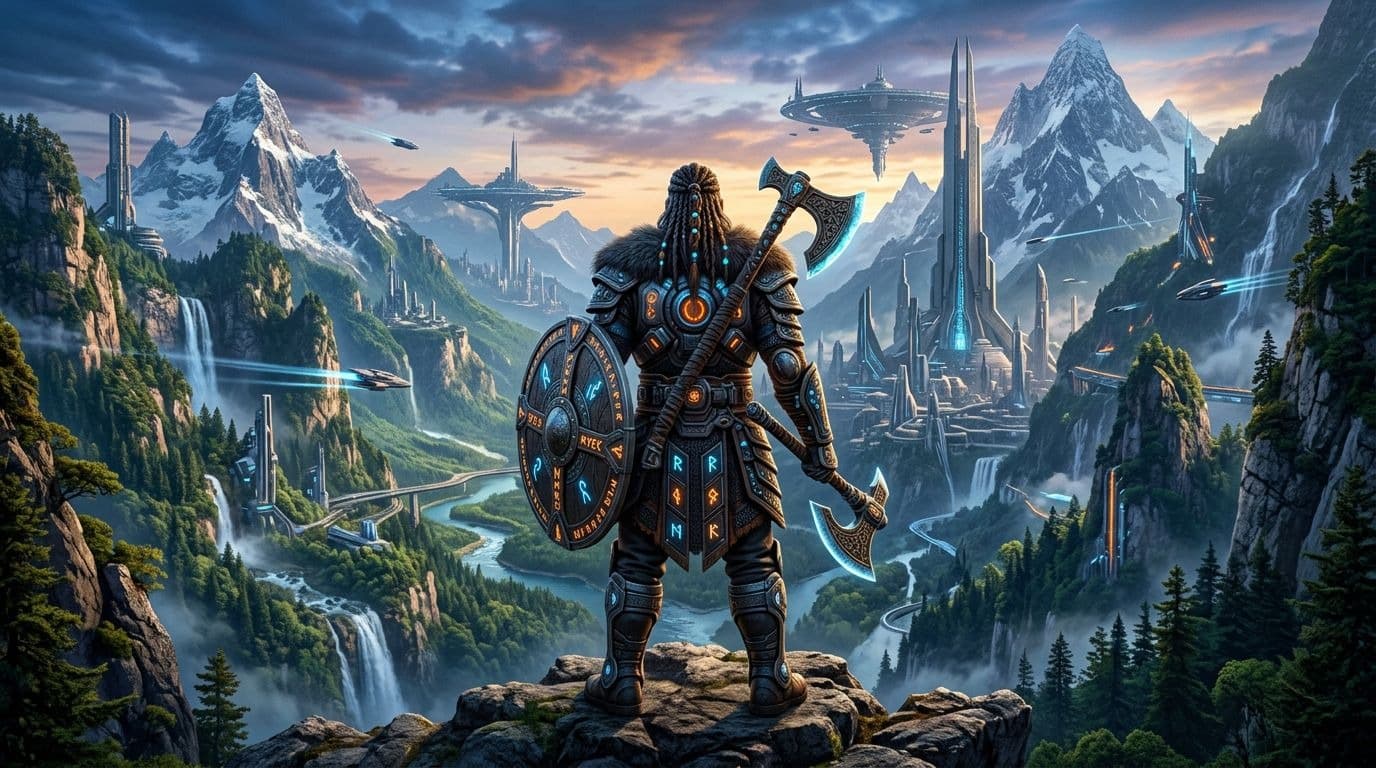
Nano Banana 2 Is Now Live on AB-Arts Studio: Faster AI Image Generation
Discover Nano Banana 2, the newest AI image generation model on AB-Arts Studio. Faster, sharper, and more prompt-accurate stunning results in seconds.