
Obsidian + Claude: Turn Daily Notes Into AI Workflows
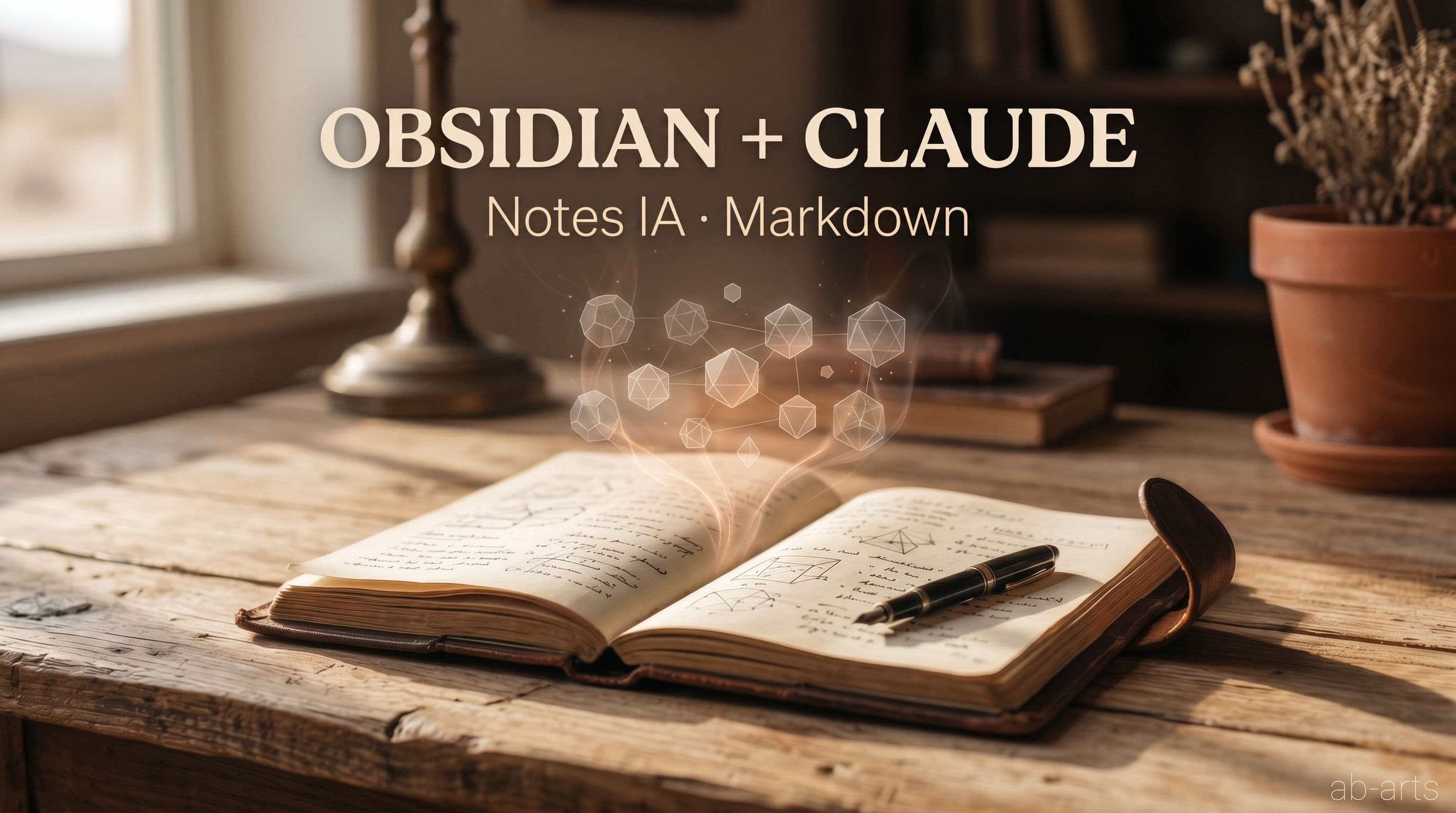
Obsidian and Claude form an unexpected duo for turning everyday note-taking into structured, actionable workflows. Store your ideas in a local Markdown vault synced via Google Drive, let a Claude skill scan it on demand, and you get a complete pipeline. From a raw idea captured in thirty seconds to a published article, a sent quote, or a scheduled LinkedIn post.
Obsidian: A Markdown Vault You Actually Own
Obsidian is a free, open-source local note editor that stores everything as .md files. No proprietary database, no third-party server, no locked format. Just plain text files you own entirely, readable by any text editor on any operating system.
The vault, that is, the folder containing all your notes, belongs to you completely. If Obsidian disappears tomorrow, your files remain. If you switch tools, you import the .md files elsewhere. This radical simplicity is exactly what makes it a reliable foundation for a long-term workflow.
In practice, we use Obsidian as a digital logbook:
- One note per idea, observation, or topic, created in seconds
- Tags (#article, #claude, #project) to organize without imposed structure
- Wikilinks [[Note name]] to connect ideas and build a knowledge network
- Daily notes to capture everything that passes through your mind without friction
The result: a vault that grows organically, accurately reflects your thinking, and stays fully under your control. It's your external memory, structured in a format that AI tools understand natively.
Syncing via Google Drive: Access Everywhere, Zero Friction
Obsidian stores files locally by default, and that is a strength, since data doesn't pass through any third-party server. For multi-device access and automatic backup, syncing via Google Drive for Desktop is a simple and effective solution.
By pointing your Obsidian vault to a folder synced by Google Drive, notes are automatically available on all your devices and backed up in the cloud. At AB-Arts, our vault lives in a locally synced Drive folder, kept up-to-date in the background, transparently.
One caveat worth knowing: Google Drive for Desktop operates in two modes. Streaming mode downloads files on demand from the cloud, which is disk-efficient, but files don't physically exist locally. Offline mode keeps local copies of all files. For a Claude agent or script to access notes directly, files must be available locally. A single checkbox in Drive preferences, and the vault becomes fully accessible to Claude like any other tool.
The Claude Skill: From Raw Note to Concrete Action
This is where the combination becomes genuinely powerful. A Claude skill, that is, a structured capability defined in the assistant's configuration, can scan the vault, read relevant notes, analyze them, and propose concrete actions based on their content.
Concretely, here's what a well-configured Claude agent can accomplish in seconds, where manual work would take several minutes:
- Scans .md files in the vault using Claude's native search tools
- Filters relevant notes by keyword or tag
- Presents a structured summary of the found content, note by note
- Suggests the next action based on content type: write a long-form article, draft a LinkedIn post, plan a task, or generate a document
💡 Raw notes become raw material. Claude is the processor. The skill is the interface between the two. A well-fed vault multiplies the assistant's power far beyond what an isolated chat session can produce.
To learn how we build and structure these skills at AB-Arts, visit our AI Studio, where these workflows are documented and accessible.
Concrete Use Cases
The Obsidian + Google Drive + Claude skill combination opens a range of workflows that go well beyond note-taking. Here's what we use daily at AB-Arts:
| Use case | Note in Obsidian | Claude action |
|---|---|---|
| Editorial articles | Raw idea + tag #article | Writes the full article from the source note |
| LinkedIn posts | Daily observation + tag #linkedin | Drafts the post and schedules via Buffer |
| Project planning | Constraints, decisions, blockers | Generates a structured action plan |
| Quotes and proposals | Client parameters (scope, budget, timeline) | Composes the quote from your own figures |
| Orders and briefs | Meeting notes + specifications | Transforms into a creative brief or purchase order |
The common thread across all these cases: the data comes from you. Claude doesn't generate from nothing. It structures, reformulates, and develops what you've already captured in Obsidian. This eliminates hallucinations on figures, context errors, and generic responses that miss your operational reality.
Why Markdown Is the Ideal Format for an AI Workflow
Most note-taking tools store data in proprietary formats: SQLite databases, opaque JSON, binary formats. This data isn't directly accessible to an AI agent without a complex, fragile extraction layer.
Obsidian's Markdown, by contrast, is plain text with minimal structure. Claude reads it natively, without conversion, without information loss. A .md file read by Claude Code is identical to what you read in Obsidian. There is no transformation step between your note and the assistant.
Obsidian tags also work as lightweight metadata Claude can use to filter quickly. No vector database or sophisticated embeddings required. A simple full-text search navigates a vault of hundreds of notes in seconds. The simplest technology often remains the most robust.
Obsidian is just well-organized plain text files, and that is exactly what makes it powerful in an AI context. No friction, no dependency on a third-party API, no format that locks you out when a version changes.
If you want to build this workflow, the starting point is deliberately simple: open Obsidian, create a vault in a Google Drive folder, and start with one note a day. No need for a perfect structure upfront. The system builds itself by capturing first and organizing later. Tags and wikilinks emerge naturally as connections become obvious.
To explore training that covers these workflows in detail, from note-taking to article publication, visit the AB-Arts Academy masterclasses.
Related articles
← All news
Claude MCP Catalogue 2026: 131 connectors ready to wire
The full catalogue of official Claude MCPs sorted by business use, with the install command ready to copy. 131 connectors and counting.
Before automating, be curious: the AB-Arts method
Before writing an agent or wiring an MCP, you need to be curious, document what you know, and keep it current. The AB-Arts method for Claude.

Claude without creativity is a keyboard without a pianist
Owning Claude isn't enough. Just as a piano doesn't make the pianist, the tool waits for a hand that composes, directs and gives it meaning.