
MCP Tunnels: Claude reaches your private LAN safely
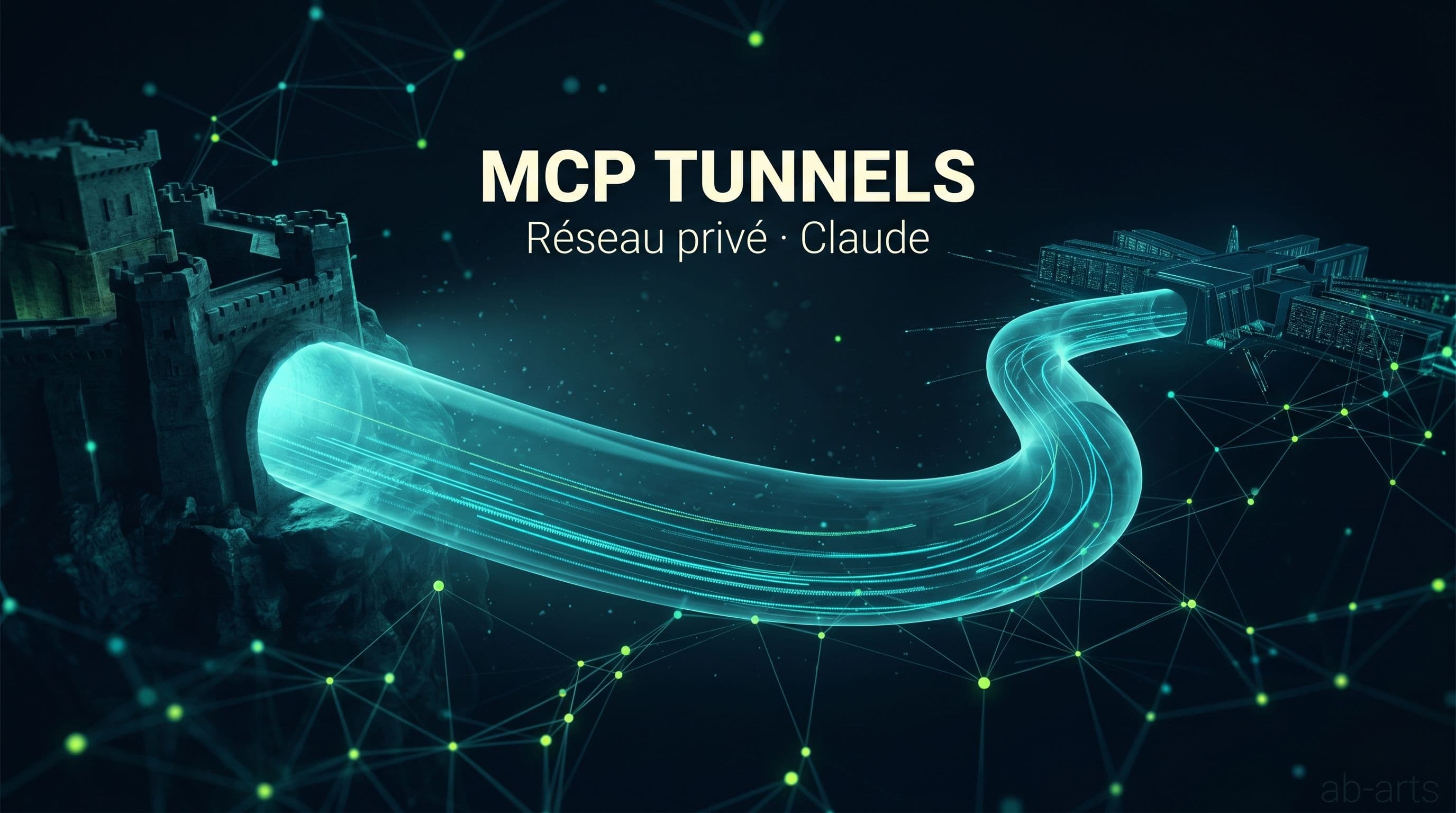
You use Claude every day, but one question keeps coming up: how do you let it touch the tools that live inside your company, without exposing those tools on the public internet? That's exactly what MCP Tunnels are for. An MCP tunnel is a small encrypted bridge that lets Claude reach your internal servers (NAS, in-house GitLab, database, ERP) without any of those services being visible from the web. This article explains the mechanism in plain words and walks through what changes, concretely, when you install one at the studio.
First, what's an MCP?
To follow what's next, we need to lay down a word. An MCP, for Model Context Protocol, is a kind of standardized socket that lets Claude plug into a third-party tool. When Claude has an active "Notion" MCP, it can read and write Notion without copy-pasting. When it has a "GitHub" MCP, it knows how to open a pull request, read a file, close an issue. There are over a hundred official MCPs today, from giants like Slack or Figma down to more specialized services.
For a full panorama, see our catalogue of MCPs with ready-to-copy install commands. Here, just remember this: an MCP is the adapter that turns Claude from a colleague who answers questions into a colleague who actually does things in your tools.
The problem: Claude stays at the door of the LAN
Now the concrete trouble. The vast majority of official MCPs are hosted on the web, their URLs look like https://mcp.notion.com/mcp, https://mcp.linear.app/mcp, https://mcp.stripe.com. Claude, which runs in Anthropic's cloud, reaches them without trouble: everything happens on the internet, in plain sight.
The problem appears when the tool you want to wire up isn't on the internet at all. It lives inside your network: a self-hosted GitLab behind the company firewall, an on-premise Jira instance, a Synology NAS in the server room, an internal Postgres, a shared network folder that never leaves the LAN. These services are deliberately invisible from the web, because what they hold (proprietary code, client data, contracts) was never meant to be public.
From there, you have two bad options. Either you publish your internal services on the internet, which opens a huge attack surface. Or you give up on wiring them to Claude, which deprives your teams of a major productivity gain. MCP Tunnels exist exactly to break out of that dilemma.
The solution: an encrypted tunnel that crosses the firewall
The idea of a tunnel is old. You find it in every tool of the Cloudflare Tunnel, Tailscale or ngrok family. The principle fits in one sentence: instead of opening a hole in your firewall to let the world in, you launch from inside the LAN a small piece of software that opens an outgoing connection to a trusted service and keeps that channel alive. Every request to your internal service now goes through that channel, both directions. Your firewall only sees one outgoing connection, authorized, to a known address.
Applied to Claude, the principle is identical. An MCP tunnel service, hosted by your vendor or by your team, exposes a public URL like https://your-company.mcp.tunnel.app/gitlab. On an internal machine, a lightweight agent links that URL to the local GitLab. Claude calls the public URL, the tunnel carries the request through to your GitLab, GitLab responds, the tunnel sends the answer back. GitLab never left the LAN at any point.
💡 An MCP tunnel is the opposite of a hole in the firewall. It's an outgoing, encrypted channel, controlled end to end, that lets Claude use your internal tools without making them visible from the outside.
Three properties make the approach acceptable from a security standpoint. The connection originates inside, so your firewall only sees outbound traffic. The channel is encrypted end to end, so nobody listens in. The user's identity stays traceable, so you know who, from Claude, called what on your internal server. With those three properties, the company's security team sleeps soundly.
What it changes in practice at the studio
Beyond the diagram, the practical effect shows up fast. Here are a few situations we run into often with our clients, and the difference between "without tunnel" and "with tunnel".
| Situation | Without MCP tunnel | With MCP tunnel |
|---|---|---|
| Internal docs on a self-hosted wiki | Manual copy-paste into Claude | Claude reads the wiki directly, cites its sources |
| Proprietary code on a private GitLab | No access, or exposed on the internet | Claude opens PRs without exposing anything |
| Internal ERP database | Hand-rolled CSV exports | Claude queries read-only, live |
| Production network share | Local download then re-upload | Claude accesses the file, works it, puts it back |
In each case, the win is the same: Claude works where the data lives, instead of forcing it through the clipboard. The second effect, quieter, is traceability. Every request goes through the tunnel, so everything is logged. You know who asked for what, when, on which internal service. Precious for teams who have to account for their actions during an audit.
What installation looks like, from above
Technical details vary depending on which vendor you pick (the MCP tunnel ecosystem is in active maturation), but the install path always resembles the same three steps. First, you create an account on the tunnel service and generate a public URL dedicated to your company. Then, you install on an internal machine (a server, a mini-PC, a Docker container) a small agent that opens the outbound connection to that URL. Finally, you configure in Claude the MCP that matches the public URL, exactly as you would for any other official MCP.
At that point, Claude "sees" the internal tool as if it were public, but the firewall was never opened. The only traffic crossing it is the agent's outbound connection, to a known and authorized endpoint. Operational security stays under control.
At the studio, we install this kind of bridge regularly for our clients. It's part of our AI Studio engagements, and we teach it in our masterclasses next to the other building blocks of the Claude ecosystem. If you want to discuss this for your own context, contact us. The engagement covers network audit, choice of tunnel vendor, secret rotation policy, and internal training so your teams can take over.
Pitfalls to avoid
Three traps come up often when you deploy your first MCP tunnel. The first, most visible one, is installing it in "all-permissive" mode: a single tunnel that gives access to the whole LAN. That's the opposite of good practice. A tunnel is configured per service, not per network. Each internal MCP (GitLab, Postgres, NAS) has its own tunnel, with its own permissions.
The second pitfall is secret management. A tunnel gives access to a service, but it's still Claude that has to authenticate against the service behind. Access tokens must be stored on the agent side, never sent in clear to Claude, and ideally rotated regularly.
The third one is more subtle: logging. A tunnel gives traceability by design, but you still need that log to be centralized, indexed and auditable. Otherwise, the day you need to explain what Claude did on your internal Postgres last month, you won't have the answer.
Why you'll get there sooner or later
For creative studios as much as for industrial SMEs, the question is no longer whether Claude becomes a daily collaborator. That shift is already underway. The real question is: who controls what Claude sees? And that's what MCP Tunnels answer in a practical way. They let you open Claude to your internal tools without giving up the very reason a LAN exists in the first place: keeping control of the perimeter.
To acquire the full discipline, from picking the right MCPs to deploying them inside a private network, browse our masterclasses. For a custom setup in your own infrastructure (network audit, tunnel-vendor choice, secret configuration, internal training), reach out through our contact page. We accompany this kind of rollout regularly under our AI Studio offering.
To go deeper on the protocol side, Anthropic's official documentation on the Model Context Protocol spells out the messages exchanged through a tunnel. And to grasp the pattern in its broader history, Cloudflare's documentation remains the educational reference.
Related articles
← All news
Claude MCP Catalogue 2026: 131 connectors ready to wire
The full catalogue of official Claude MCPs sorted by business use, with the install command ready to copy. 131 connectors and counting.

Before automating, be curious: the AB-Arts method
Before writing an agent or wiring an MCP, you need to be curious, document what you know, and keep it current. The AB-Arts method for Claude.

Claude without creativity is a keyboard without a pianist
Owning Claude isn't enough. Just as a piano doesn't make the pianist, the tool waits for a hand that composes, directs and gives it meaning.