
Google CLI + Claude: automate Workspace and Vertex AI
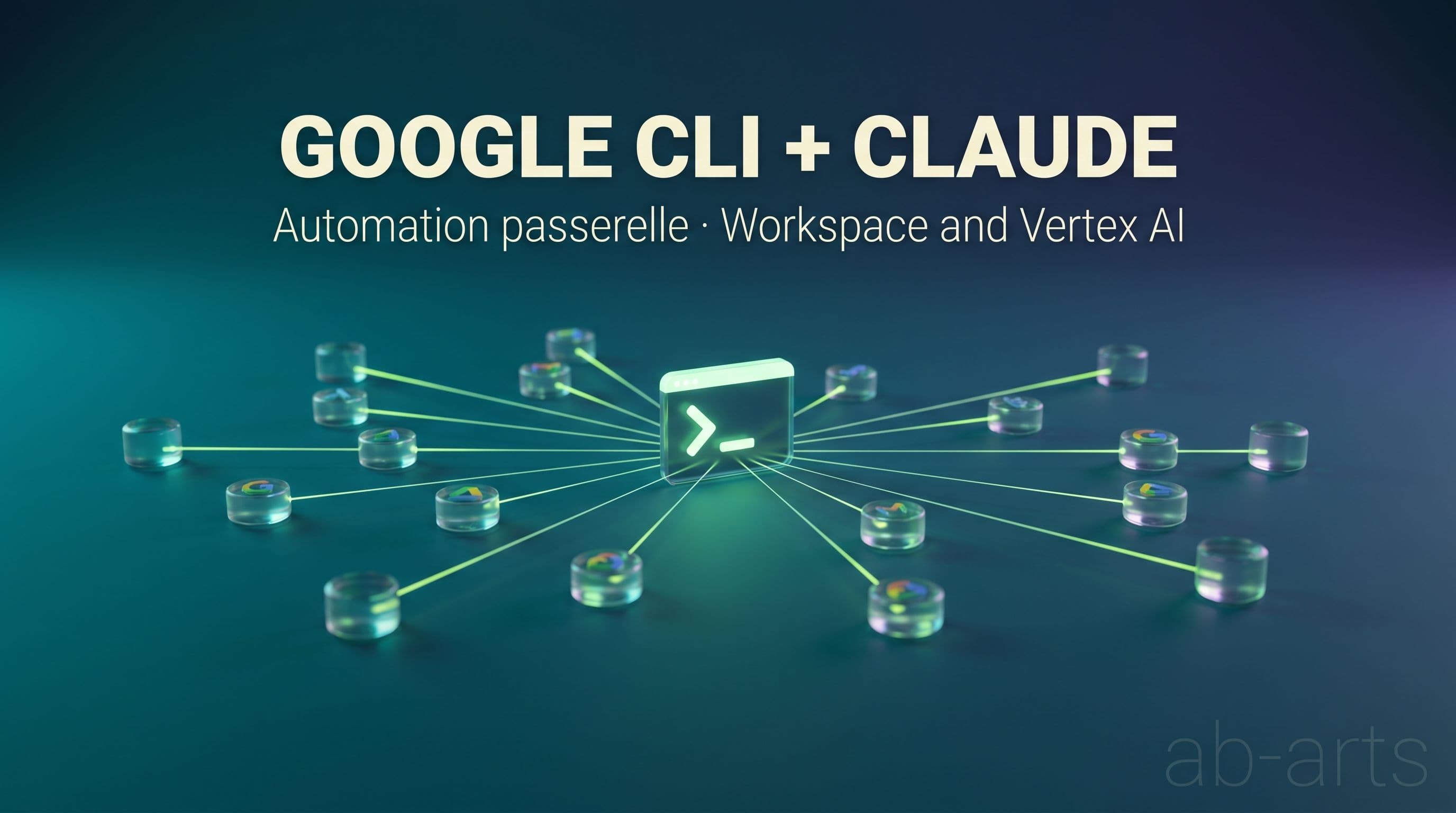
Wiring Claude into Google Workspace and Google Cloud used to mean a patient assembly: install four or five MCP servers, hand out access tokens to third-party connectors, and watch every update that could break a link in the chain. Now Google ships its own unified CLI, and the native integration of Claude inside Vertex AI closes the loop. One gateway, two pillars, an enterprise-grade security frame.
This shift is not cosmetic. It moves the conversation: we leave prototype duct tape behind and enter an automation logic that can actually be handed to a team. As a Google Partner, we see this transition land early with the clients we support. This article describes, concretely, what you can do today by pairing the two ecosystems.
Pillar 1 — Google Workspace CLI: Claude takes over your desktop
The first pillar is gws CLI, Google's new open-source tool. It exposes more than a hundred commands covering Gmail, Calendar, Drive, Sheets, Docs and Slides. Paired with Claude, through Claude Code or the Vertex AI API, it becomes an agent that talks directly to your office suite. No third-party connectors, no API tokens shuttling between services.
Gmail: triage, summarize, reply
The most immediate use comes in three steps: ask Claude to scan the emails that landed since your last session, produce a condensed per-thread summary, and draft replies directly inside Gmail. The command fits on one line, the agent loops through the unread threads, and you find your drafts in the usual web interface. The morning triage that used to eat forty-five minutes drops to ten.
Calendar: conflicts, focus blocks, Meet links
On Google Calendar, Claude reads your week, spots conflicts, suggests meeting slots that respect your focus blocks, moves events according to your priorities, and generates Google Meet links automatically. A concrete case: "block two hours of focus every morning next week, and find thirty minutes with Sophie before Friday." One command, one answer, a tuned calendar.
Drive and Sheets: read, write, compute
On storage, Claude creates Drive folders, drops documents in them, reads the contents of a Google Sheet, injects computed data into a sheet, and triggers cascading recalculations. For a finance team, that means an assistant that consolidates in seconds a dashboard that used to cost an hour of copy-paste. For an editorial team, it is a contract draft prepared from a Drive template and the data of a client Sheet.
Docs and Slides: generate complete deliverables
Finally, gws CLI lets Claude generate structured documents: quotes inside Google Docs, meeting notes from a transcribed Meet call, Google Slides skeletons from a textual outline. The format stays editable, the output is a native Google Doc that your teams open, review and publish as usual. That continuity with existing tools is precisely what makes adoption viable.
💡 One unified CLI beats five brittle connectors. The promise of gws CLI is not to replace Gmail or Drive, but to bring Claude inside the interface your teams already use, without rewriting their habits.
Pillar 2 — Google Cloud CLI + Vertex AI: Claude drives your infrastructure
The second pillar operates on infrastructure territory. Anthropic and Google have natively integrated the Claude models inside Vertex AI. From your terminal, the gcloud command becomes the baton that commands both Google Cloud and the Claude agent that runs on top. Five capabilities stand out.
Unified authentication via IAM
The command gcloud auth application-default login is enough to authenticate Claude so it can call the API securely. Your API keys no longer travel in plain text through code, nor through environment files left on developer machines. Identity routes through IAM, access control aligns with the roles your security team already defined. For an IT department, this single point reshapes the conversation with compliance.
DevOps piloting of the infrastructure
Handing your deployment scripts to Claude Code becomes possible without sacrificing robustness. If a gcloud run deploy command fails, Claude reads the console logs, identifies the error, rewrites the corrected command and relaunches it. The "try, read, fix" loop that took a DevOps engineer fifteen minutes compresses to a few dozen seconds. That said, the engineer stays above the loop to validate the sensitive decisions.
The Model Garden and Claude model management
Through CLI scripts, you activate, test and query the Claude family of models hosted sovereignly on Vertex AI: Claude Sonnet for daily use, Claude Opus for heavy tasks. The Model Garden becomes your agent catalog, and gcloud ai models list draws the inventory in one line. For a team that wants to switch models depending on context, the operation becomes trivial.
A one-million-token context window
By configuring Claude Code through Vertex AI, you unlock the extended version of the model, capable of ingesting up to one million tokens in a single call. In practice, that means submitting an entire codebase, or dozens of cloud configuration files, or a complete documentation repository, inside a single conversation. The agents that used to summarize and reload their own context no longer have to. The reasoning continuity stretches.
Centralized billing and quotas
Last point, and not the least structuring: the costs tied to Claude usage land directly on your Google Cloud billing console. No more double bookkeeping, no more juggling between an Anthropic invoice and a Google one. AI quotas align with existing Cloud quotas, which simplifies budget steering for a finance team that wants to keep the wheel.
Old methods versus Google CLI + Claude
The table below recaps the shift, criterion by criterion. It draws on feedback from teams we support and on Google Cloud's official recommendations.
| Criterion | Old method (MCP / third-party extensions) | Google CLI + Claude |
|---|---|---|
| Install simplicity | Four to five MCP servers to provision, each with its own docs | One unified CLI, built and maintained by Google |
| AI context | Overloads Claude's memory with parallel configurations | Ultra-light: tools are invoked only on demand |
| Security | Sharing access tokens with unaudited third-party apps | Enterprise security through Google Cloud IAM, full traceability |
| Execution speed | Sequential HTTP requests between several remote APIs | Local command-line execution, near-zero latency |
| Scalability | Rate limits imposed by each third-party connector | Quotas aligned with your Google Cloud contract, tunable |
That said, the shift is not free. Three honest limits to know before charging in. First, learning the CLI calls for a team comfortable with the terminal: if your internal culture is purely graphical, plan for support. Second, opening an enterprise Google Cloud account with a European billing agreement remains an administrative prerequisite. Third, IAM governance has to be designed upfront: an autonomous agent that inherits overly broad rights becomes a risk, not a saving. These three points are solved during scoping, but they deserve to be named.
Where to start: three commands to begin today
If you want to test the gateway without committing your whole team, three commands are enough. The first installs the base: gcloud auth application-default login authenticates your terminal against Google Cloud and enables Claude to call Vertex AI on your behalf. The second activates the Model Garden: gcloud ai models list --region=europe-west1 lists the Claude models available in the European region of your choice. The third launches your first agent: claude code --provider vertex --model claude-sonnet-4-7 opens a Claude Code session backed by Vertex AI, with the extended context window active.
Once those three steps are taken, the whole ecosystem opens up. Add gws CLI to wire Gmail, Calendar and Drive: gcloud components install gws. Then compose your first agents that read an inbox, query a spreadsheet, drop a document into Drive and notify a team on Chat. The first useful automation builds in an afternoon.
AB-Arts' role in this transition
AB-Arts is a certified Google Partner on Cloud, Workspace and Vertex AI. We see this shift unfolding with the teams we support: an IT department that wants out of a connector patchwork, a product team that wants to move from an isolated Claude prototype to an agent really wired into internal tools, a finance department that wants a single line on the cloud invoice instead of five parallel subscriptions. Our Google Partner status is documented in our dedicated article, and it underpins every engagement we take on this perimeter.
Our Google AI Studio & Cloud masterclass is built precisely to structure this transition. Three hands-on sessions spread over three weeks, designed so a team leaves the training with its own operational agents: a Gmail agent that triages the morning, a Drive agent that prepares the deliverables, a Vertex AI agent that drives the infrastructure. No showroom demos, just cases that stay in production the following week.
If your organization is evaluating this shift, drop us a line: we come back within 48 hours with an initial scope, a licensing estimate and a support plan adapted to your internal culture. And for teams that want to learn first, the masterclass remains the shortest path between curiosity and an agent that runs in production.
To dig deeper on the official documentation side: the Anthropic Claude on Vertex AI docs detail the available models and call parameters, the Claude Code documentation covers terminal-side agent configuration, and the official Google Workspace page lists the services accessible through gws CLI. For installing the base: gcloud SDK.
Move from reading to producing.
What we experiment with here, we ship for you. AB-Arts designs, trains and supports: three ways of working together, one team under the same roof.
Web, motion, video, image and campaigns. From concept to master, full production under one roof.
AB-Academy trains your teams in AI, workflows and creative tools. On-site or remote.
Audit, consulting, automation. We clear up your digital environment, and build what's missing.
Related articles
← All news
AB-Arts is a Google Partner: Cloud, Vertex AI, Workspace
AB-Arts is a Google Partner. We deploy Google Cloud, Vertex AI and Workspace for European teams: security, compliance and hands-on support.
Claude MCP Catalogue 2026: 131 connectors ready to wire
The full catalogue of official Claude MCPs sorted by business use, with the install command ready to copy. 131 connectors and counting.

Before automating, be curious: the AB-Arts method
Before writing an agent or wiring an MCP, you need to be curious, document what you know, and keep it current. The AB-Arts method for Claude.