
Getting Started with Hunyuan3D 2.0
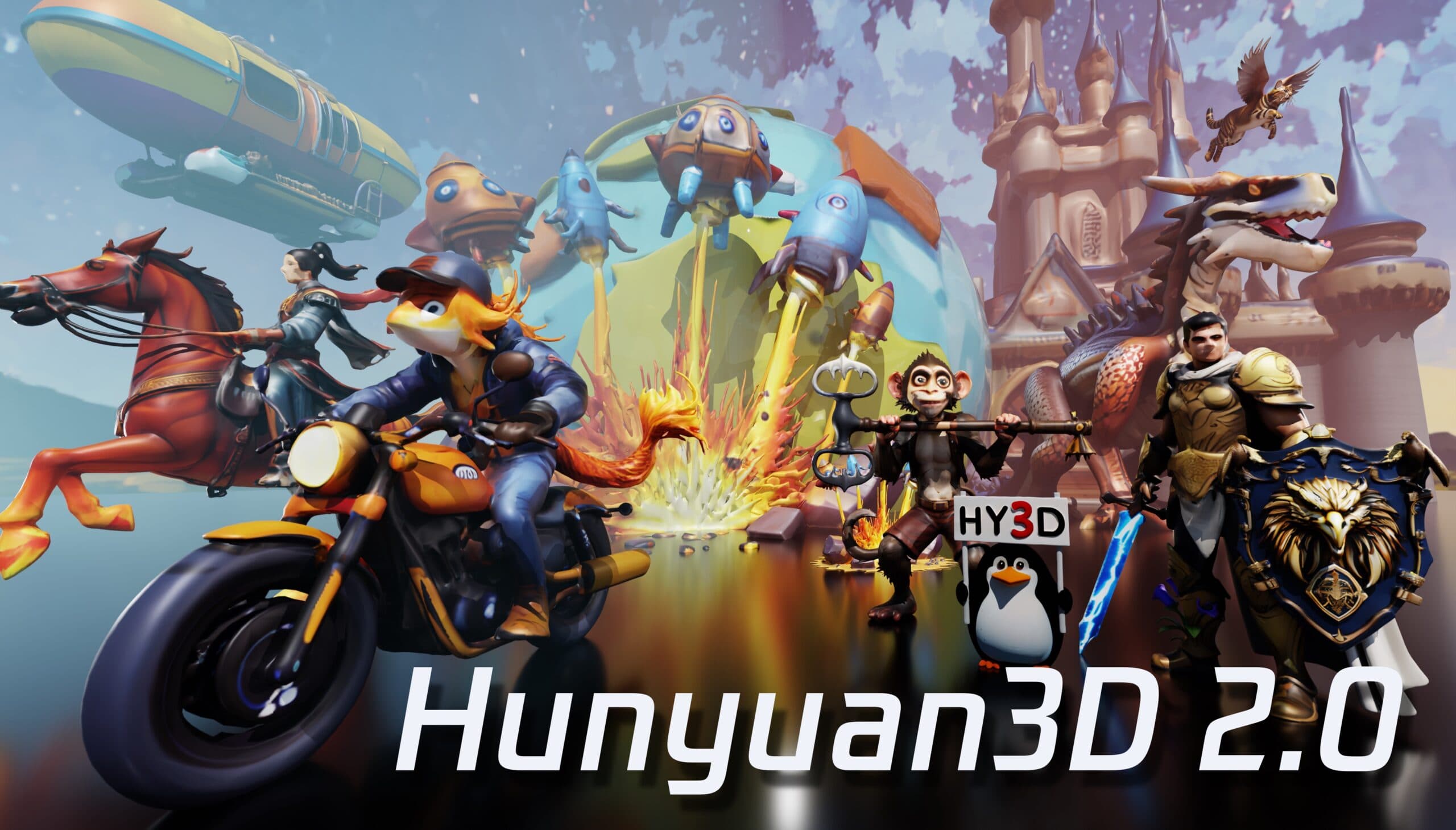
I recently explored the Blender add-on for Tencent's Hunyuan3D 2.0, which seamlessly integrates advanced AI-driven 3D asset generation into the Blender environment. This integration offers a streamlined workflow for artists and developers aiming to create high-resolution 3D models efficiently.
Key Features of the Hunyuan3D 2.0 Blender Add-On
- Direct Integration: The add-on allows users to access Hunyuan3D 2.0's capabilities directly within Blender, eliminating the need to switch between applications.
- User-Friendly Interface: Designed with Blender users in mind, the interface ensures intuitive navigation and operation.
- Efficient Workflow: By leveraging the add-on, artists can quickly generate and refine 3D assets, significantly reducing production time.
Getting Started with the Add-On
To utilize the Hunyuan3D 2.0 Blender add-on, follow these steps:
- Set Up the API Server: Begin by launching the Hunyuan3D 2.0 API server locally. This server facilitates communication between Blender and the Hunyuan3D system.
- Install the Add-On: Within Blender, navigate to the add-ons section and install the Hunyuan3D 2.0 add-on.
- Configure Settings: Input the API server details into the add-on settings to establish a connection.
- Generate 3D Assets: With the setup complete, you can now generate 3D models directly within Blender using the add-on's features.
For a comprehensive tutorial on installation and usage, please refer to the official Hunyuan3D 2.0 GitHub repository.
Conclusion
The Hunyuan3D 2.0 Blender add-on represents a significant advancement in 3D content creation, offering a powerful tool for artists and developers seeking to enhance their workflows with AI-driven solutions.
Watch the Add-On in Action
For a visual demonstration of the Hunyuan3D 2.0 Blender add-on, check out this video:
Related articles
← All news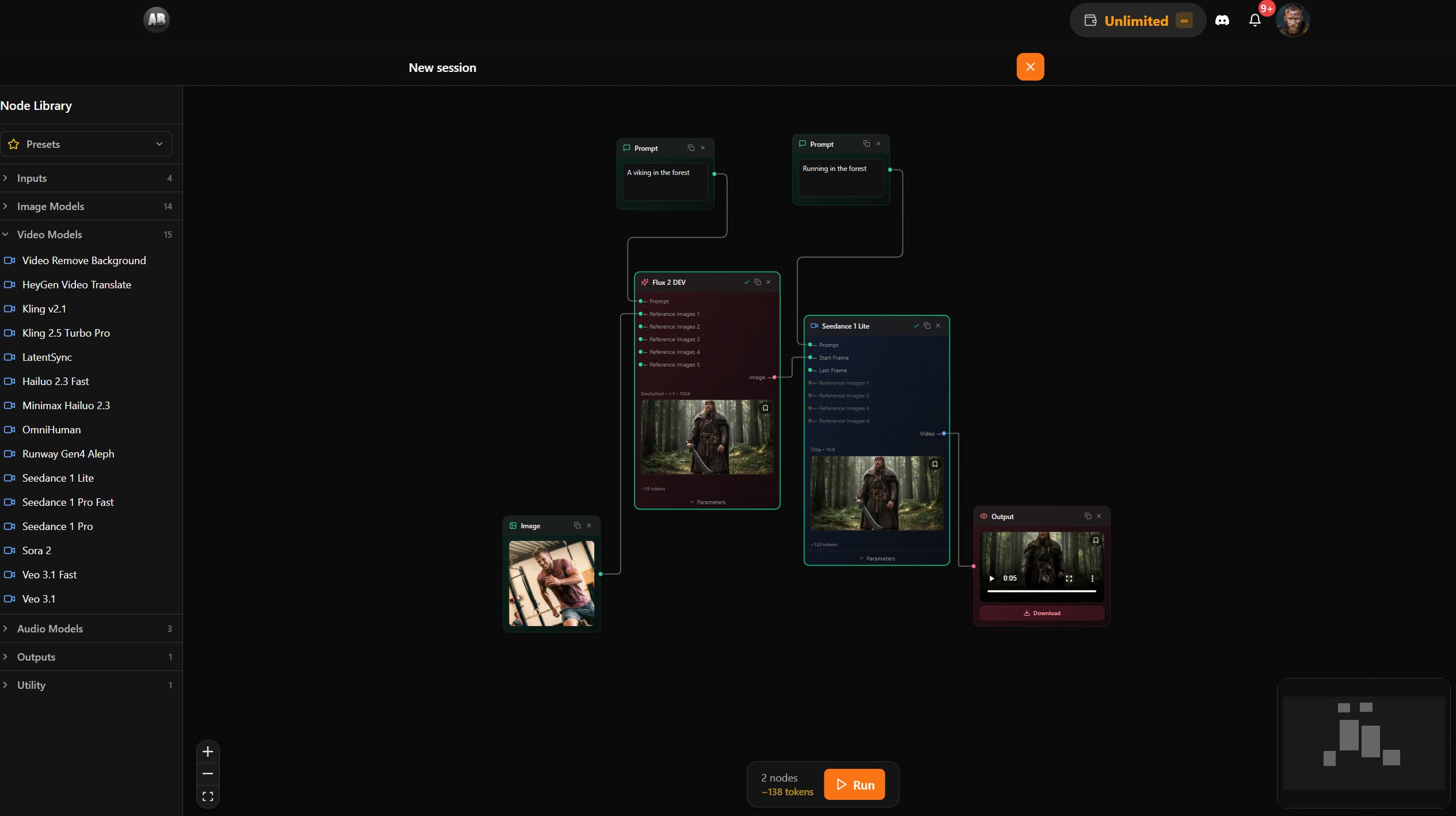
AB-Arts Studio — What's New: Node Editor, In-App Docs
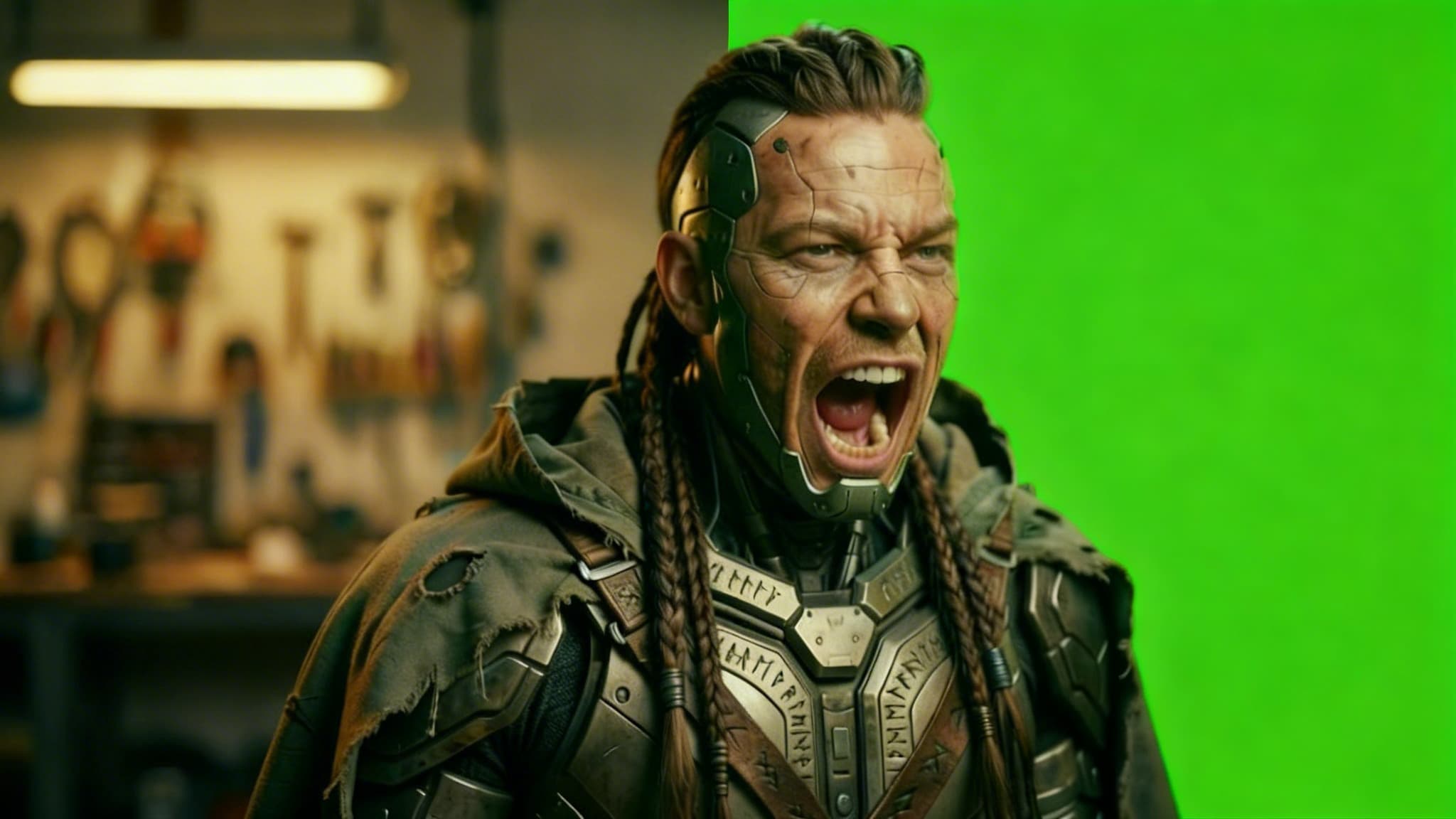
Remove Video Background with AI: Isolate Any Subject in Seconds
Discover how AB-Arts Studio's Remove Video Background feature lets you isolate subjects with transparent backgrounds for seamless video editing.
Nano Banana 2 Is Now Live on AB-Arts Studio: Faster AI Image Generation
Discover Nano Banana 2, the newest AI image generation model on AB-Arts Studio. Faster, sharper, and more prompt-accurate stunning results in seconds.