From AI image to Reality: Creating Stunning 3D Models with Trellis
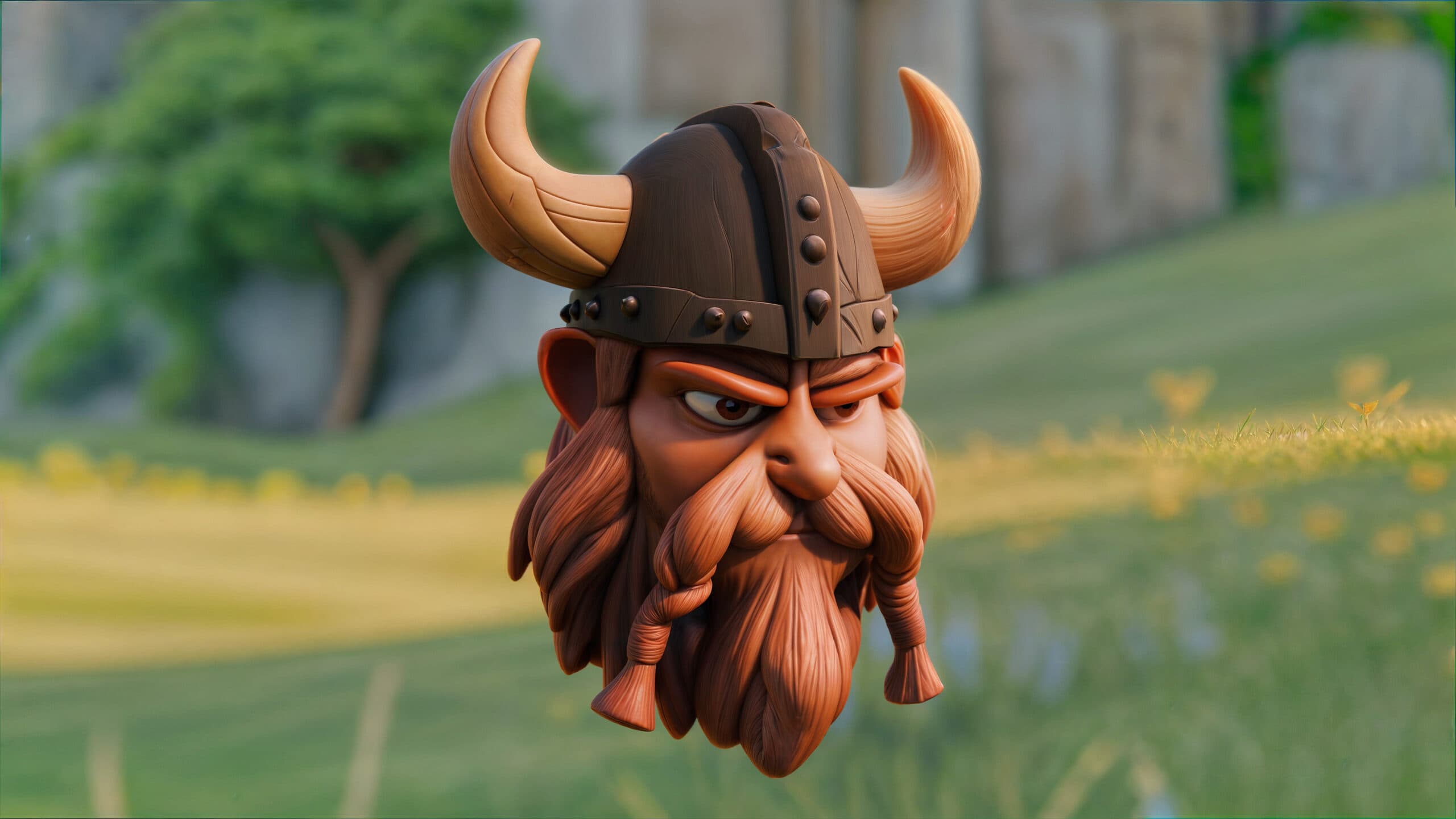
Lately, I stumbled upon something incredible that merges creativity with cutting-edge technology: Microsoft’s Trellis. This powerful AI-driven tool simplifies the creation of high-quality 3D models from images or text prompts. Today, I’m excited to share how you can create your own stunning 3D assets using Trellis, step by step.
Step 1: Generate Your AI Image
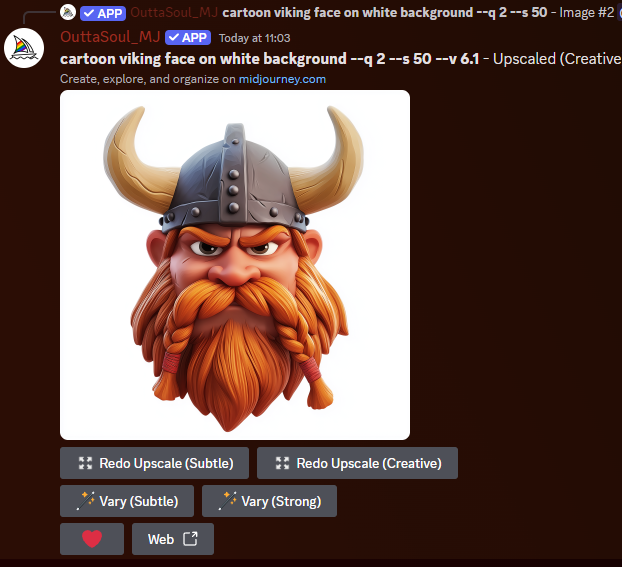
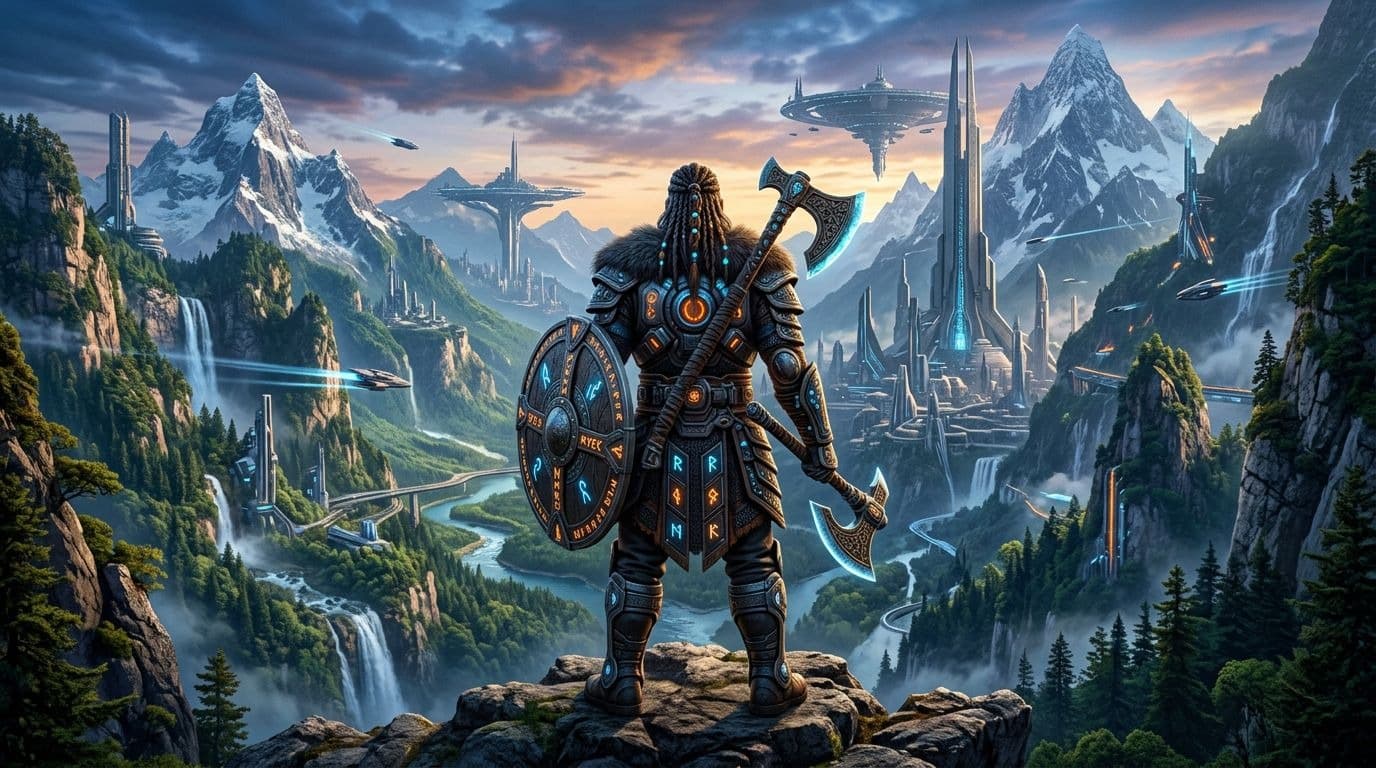
Start by creating an inspiring image using your favorite AI image generator, such as MidJourney (available on our DISCORD), DALL-E, or others. Think of something imaginative and detailed—this will serve as the base for your 3D asset.
Step 2: Upload Your Image to Trellis
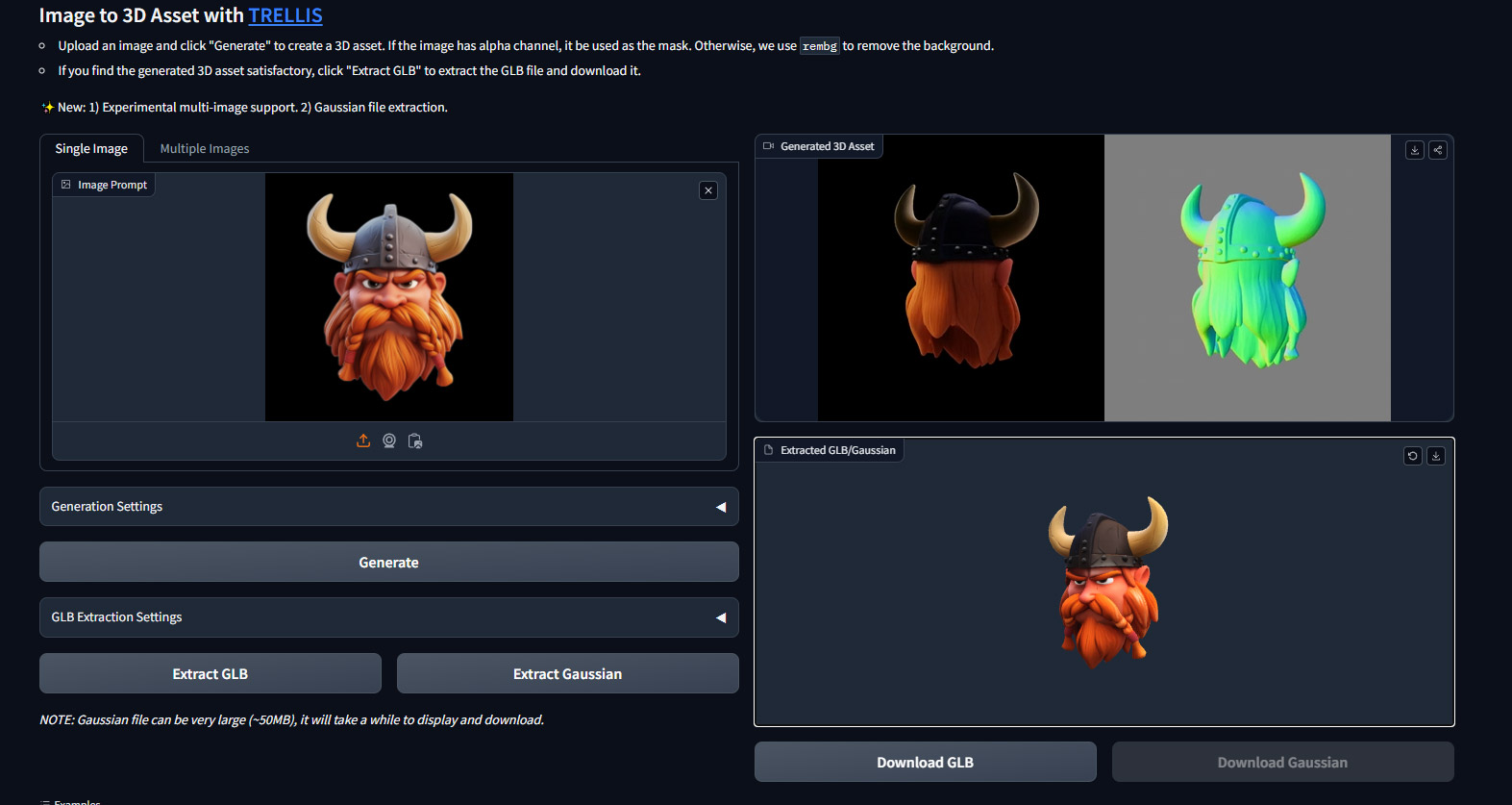
Next, head over to Trellis on Hugging Face. Upload your AI-generated image and let Trellis work its magic. It will interpret the image, transforming it into a preview of a 3D asset.
Step 3: Generate the Preview and GLB File
Once your image is processed, Trellis will provide:
- A Preview: See a real-time rendering of your 3D model.
- A GLB File: This is a downloadable file containing the 3D asset, ready for further customization or use.
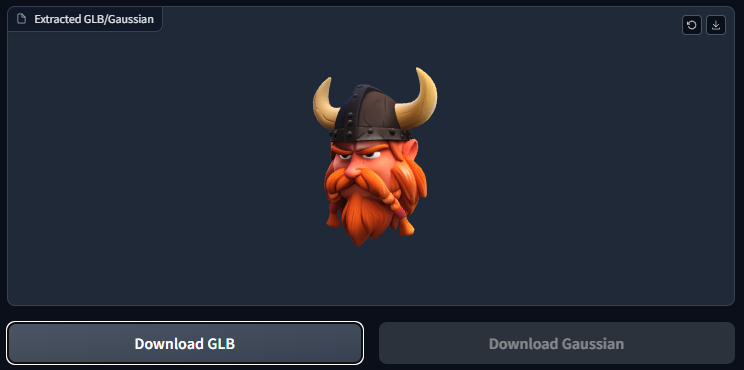
Download the GLB file to proceed to the next step.
Step 4: Import the GLB File into Blender or Spline 3D
Now, it’s time to refine or animate your 3D model. You can use:
- Blender: A robust, free tool for detailed edits, textures, and animations.
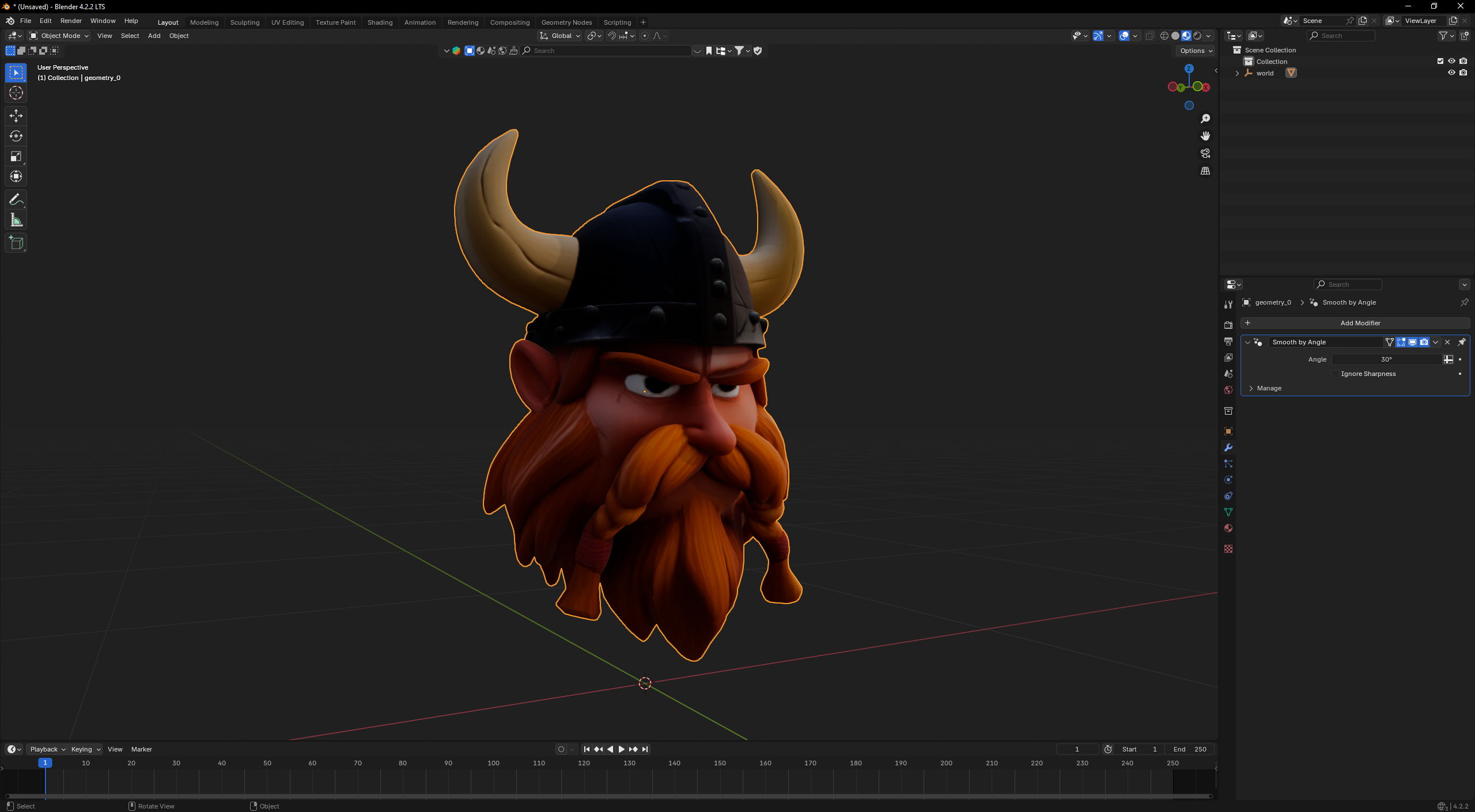
- Spline 3D: A browser-based platform for crafting interactive 3D experiences effortlessly.
Simply import the GLB file into your preferred software and start shaping your creation.
Why Trellis is a Game-Changer?
Trellis democratizes 3D asset creation by combining AI with versatility. Whether you’re designing for games, AR/VR environments, or interactive web experiences, this workflow empowers you to bring your imagination to life.
Enjoy!
Following these steps is both fun and rewarding. With tools like Trellis, AI-generated images, and platforms like Blender or Spline, creating professional-grade 3D assets has never been easier. Why not give it a try and transform your ideas into immersive 3D models?
Related articles
← All news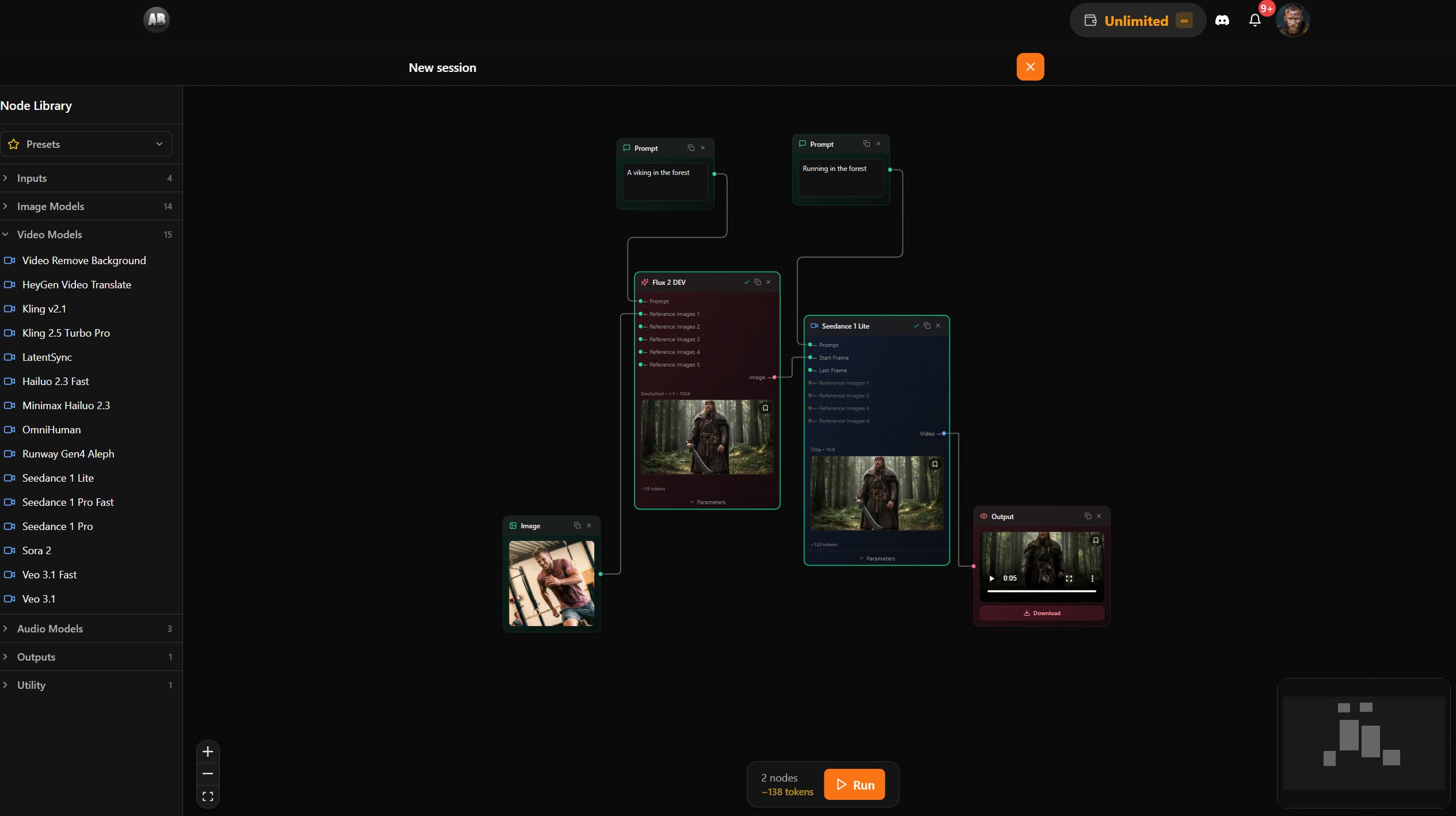
AB-Arts Studio — What's New: Node Editor, In-App Docs
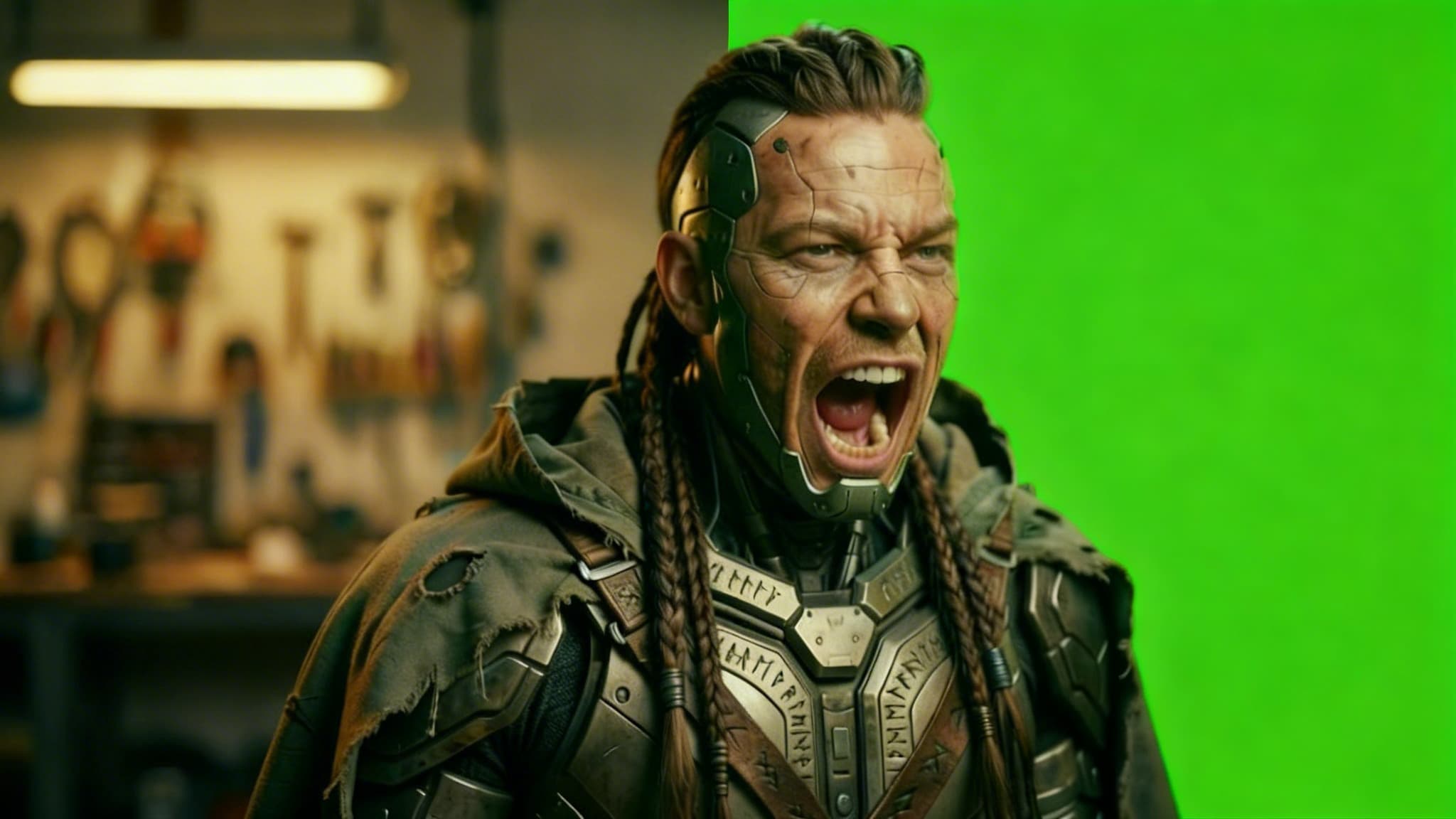
Remove Video Background with AI: Isolate Any Subject in Seconds
Discover how AB-Arts Studio's Remove Video Background feature lets you isolate subjects with transparent backgrounds for seamless video editing.
Nano Banana 2 Is Now Live on AB-Arts Studio: Faster AI Image Generation
Discover Nano Banana 2, the newest AI image generation model on AB-Arts Studio. Faster, sharper, and more prompt-accurate stunning results in seconds.