
Blender 4.4 Beta: A Sneak Peek into the Upcoming Features
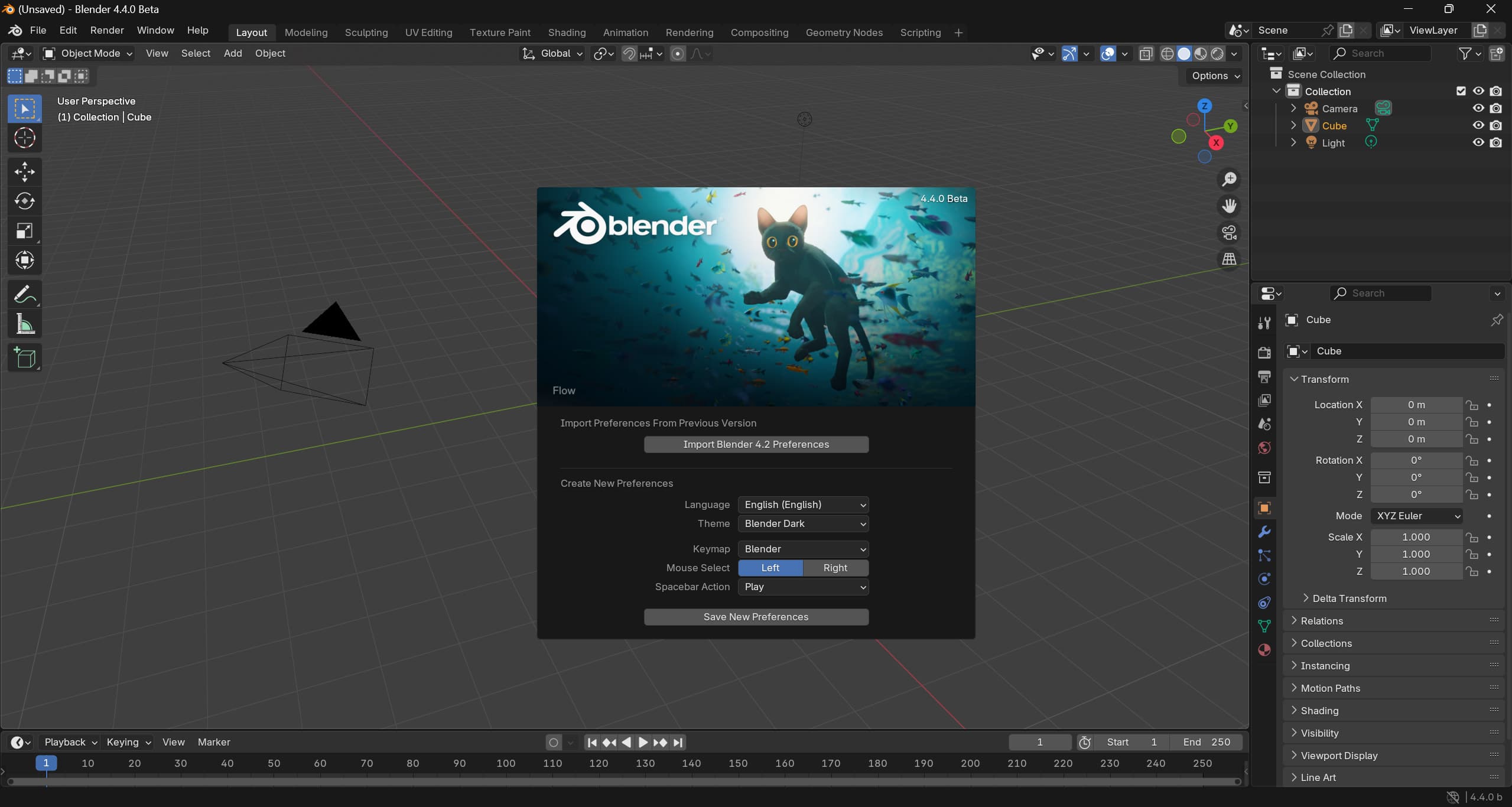
As a 3D artist and developer, I'm always eager to explore the latest advancements in Blender. The upcoming Blender 4.4, currently in beta until March 12, 2025, brings a host of new features and improvements that are set to enhance our creative workflows. In this post, I'll share some of the standout updates that have caught my attention.
Download it here
Performance Enhancements with Vulkan
One of the most significant updates in Blender 4.4 is the overhaul of the Vulkan experimental backend. This update focuses on improving performance, stability, and compatibility. Notably, startup times have been reduced, with cold starts now approximately 30 seconds and warm starts around 3 seconds on systems equipped with NVIDIA Quadro RTX 6000 GPUs. While still considered experimental due to some missing features, these enhancements indicate a promising future for Vulkan integration in Blender.
User Interface Improvements
Blender 4.4 introduces several user interface refinements aimed at improving usability:
- Asset Browser Sorting: A new option allows assets to be sorted by catalog, providing a more organized browsing experience.
- Dialog Mobility: Centered dialogs can now be moved freely without snapping back, offering greater flexibility during workflow.
- Enhanced Menu Navigation: Menu accelerators (underlined letters) now function with toggles, streamlining navigation and accessibility.
Grease Pencil Updates
For those utilizing the Grease Pencil, Blender 4.4 brings back several features from version 4.2 LTS:
- Stroke Placements in Draw Mode: Artists can once again access various stroke placement options, enhancing drawing capabilities.
- Auto Masking in Sculpt Mode: This feature returns, allowing for more controlled sculpting workflows.
- Restored Operators: Operators such as "Simplify" modes, "Set Start Point," and conversion tools from Curve and Mesh to Grease Pencil have been reinstated, expanding the toolset available to artists.
Cycles Rendering Enhancements
The Cycles rendering engine also sees notable improvements:
- OptiX Denoiser Update: The NVIDIA OptiX denoiser has been updated to enhance denoising quality, resulting in more consistent and accurate renders.
- Sample Subset Feature: Modifications to the sample offset feature now allow for correct distribution of the blue noise sampling pattern across multiple systems, facilitating more efficient distributed rendering.
Python API Changes
Developers working with Blender's Python API should be aware of several breaking changes:
- Subclassing Blender Types: Python-defined classes based on Blender types must now call the parent's matching function, ensuring proper initialization.
- Action Slots Introduction: Actions now include slots, necessitating updates to action assignment and editing scripts. Detailed guidance is available in the release notes to assist in this transition.
Conclusion
Blender 4.4 beta offers a glimpse into the future of this powerful 3D creation suite. With enhancements spanning performance, user interface, artistic tools, rendering, and development APIs, this release is poised to elevate the creative experience. I encourage fellow artists and developers to download the beta, explore its new features, and contribute feedback to help refine the final release.
Related articles
← All news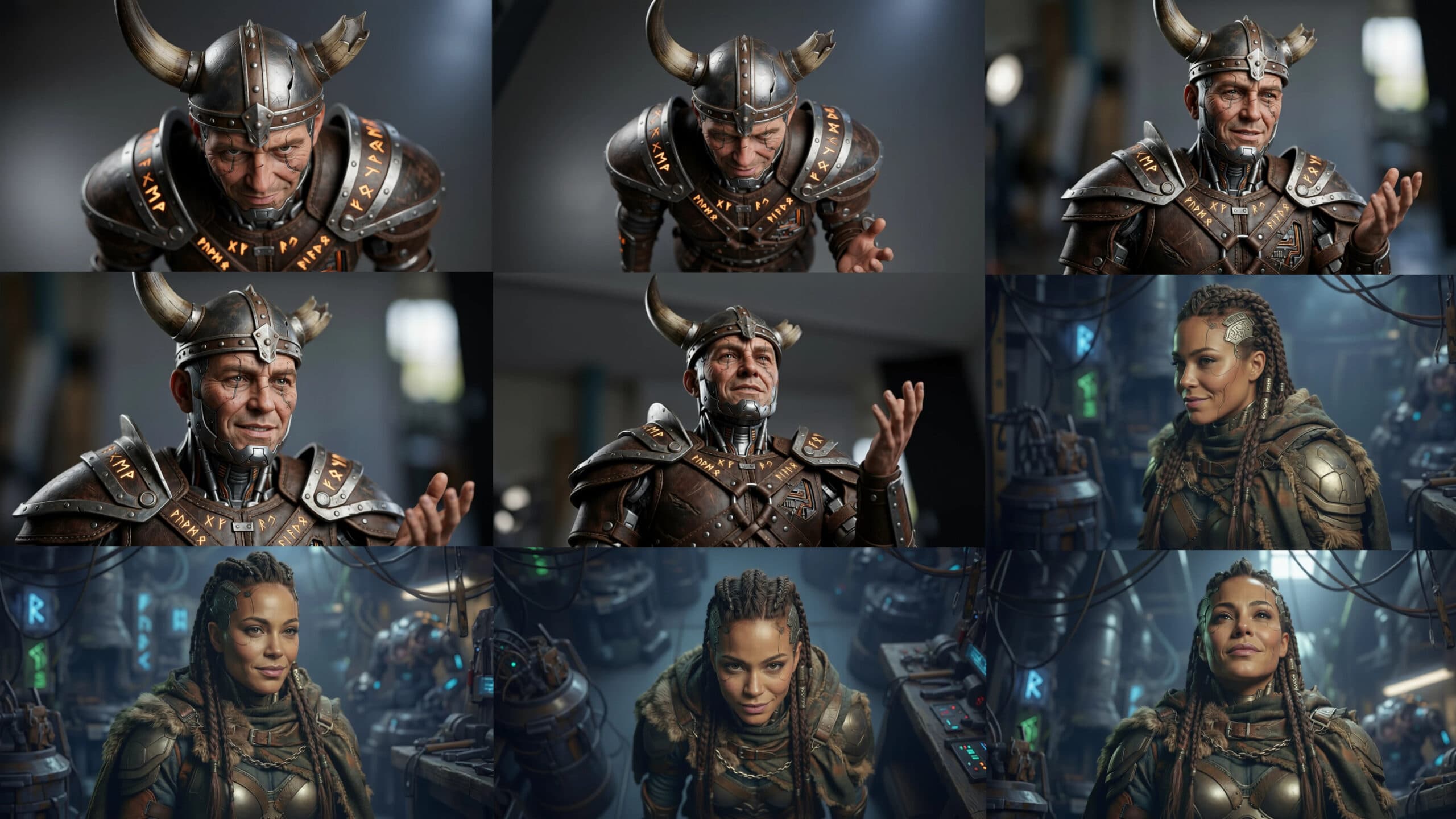
Explore Every Angle of Your Creation in AB-Arts.Studio
Our new Multi-Angle Camera Session lets you freely move around any uploaded image. Drag the cursor, pick new viewpoints, and generate stunning different perspectives instantly with AI. True creative control at your fingertips!
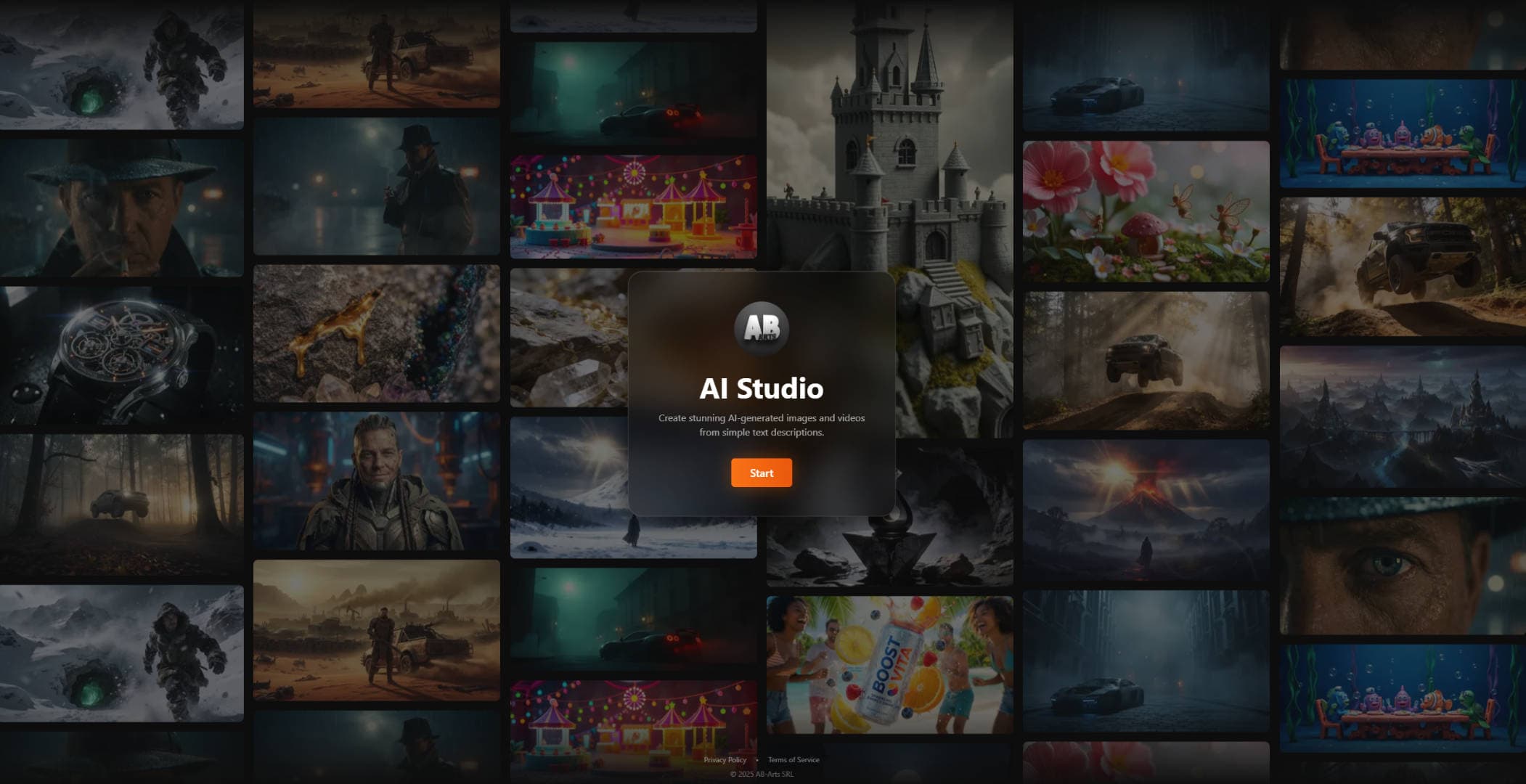
AB-Arts.Studio - Your Belgian Hub for Image and Video Innovation
AB-Arts.Studio revolutionizes AI creativity in Belgium. Access top models for images and videos. Enjoy custom workflows, shared tokens, and seamless billing. Save time with sessions, queues, and future Drive sync. Get direct support for tailored solutions. Elevate your projects today.
PureRef: The Ultimate Tool for Artists and Designers to Organize Reference Images
Discover PureRef, a simple yet powerful tool for artists and designers to organize and view reference images effortlessly. Learn its features, benefits, and how it enhances creativity across platforms like Windows, Mac, and Linux.