
Kling 3.0 is live on AB-Arts Studio: cinematic AI video
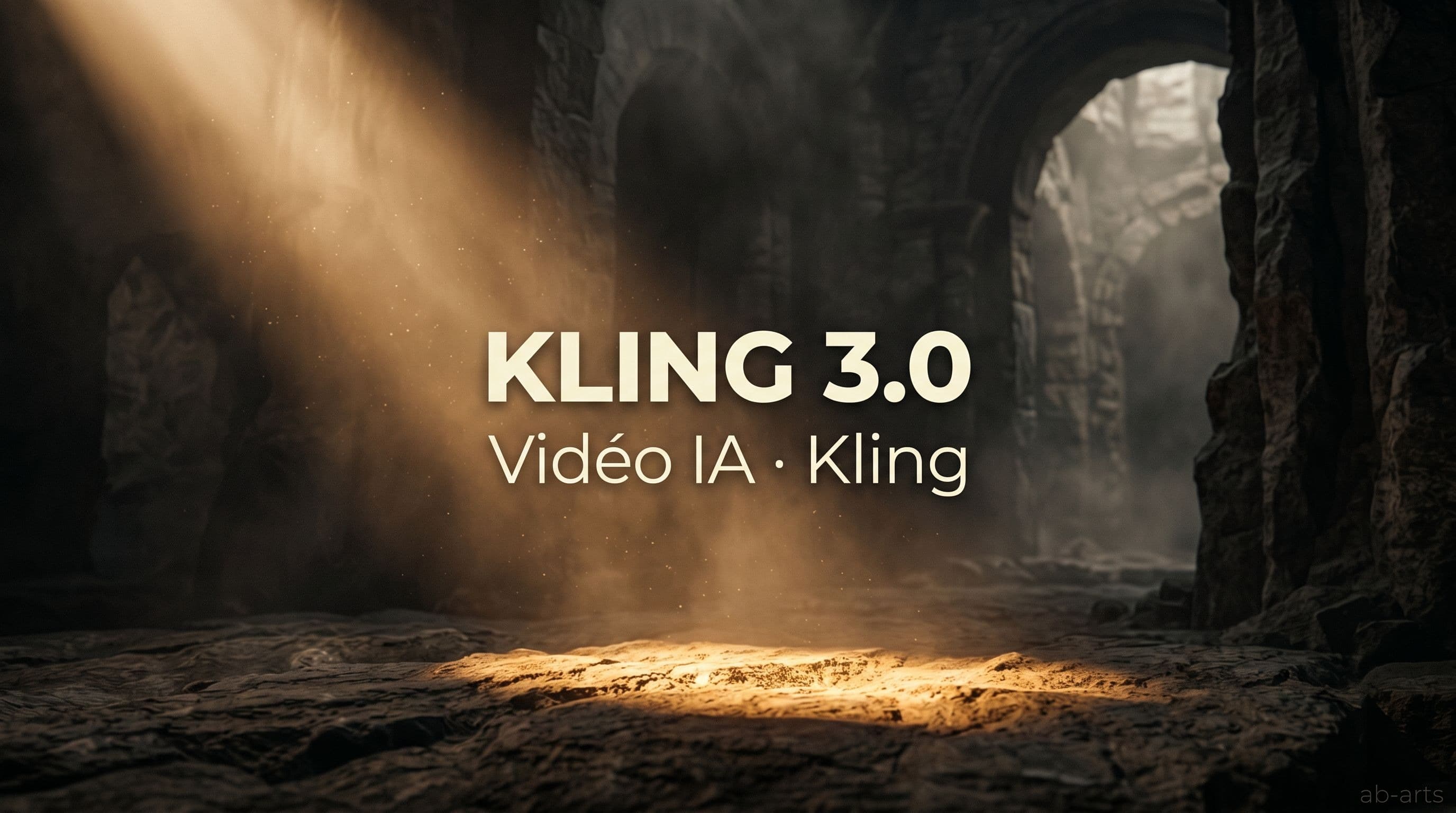
China's Kuaishou just released Kling 3.0, the latest version of its video generation model. As of today, the model is available inside AB-Arts Studio. Describe a scene or start from an image, and Kling produces a clip that gets close to a cinematic render — crafted lighting, coherent camera motion, depth of field.
Where other models chase volume or speed, Kling chases visual quality. It's the option to pick when you need a result that resembles a real shoot — believable slow motion, shots with actual composition, atmospheres that hold up.
What Kling 3.0 brings
In one sentence: Kling 3.0 turns a prompt or an image into a video clip at photographic finish level, and now allows longer durations without visible degradation.
Three areas where it stands apart:
- Cinematic look — light is handled like on a real shoot. Reflections, shadows, material transparency — the image stays readable.
- Motion brush — you can designate which areas of the starting image move and which stay still. Fine creative control, where most AI video models impose their own dynamics.
- Extended duration — Kling 3.0 produces longer shots than the competition without losing subject consistency. Useful when a 3-second cut would break the intent.
When to pick it over another model
AB-Arts Studio hosts several video models. They don't all do the same thing. Quick guide to orient yourself:
| If you want... | Best fit | Why |
|---|---|---|
| A polished cinematic shot | Kling 3.0 | Crafted light and atmosphere |
| Natural human animation | Seedance 2.0 | Believable human movement |
| Fast, low-cost iteration | Economy model in the catalogue | Lower token cost, faster runs |
| A concept test for a mood board | Either one, starting image required | Art direction iteration |
How to use it in AB-Arts Studio
In a Studio session, pick Kling 3.0 from the video model list. To get the most from the model, start with a reference image and specify in the prompt the type of shot you want (close-up, wide, slow-motion, dolly). Token cost shows up before execution.
💡 Tip. Describe the lighting the way you would on a shoot brief: "soft late-afternoon light, backlit", "cool neons in a night street". Kling takes those cues seriously.
The wider context
Kuaishou is one of China's leading video players, and Kling represents its most visible bet on generative AI. Version 3.0 marks a clear jump in visual quality and confirms the model's place at the global high end of AI video, next to Veo and Sora.
For AB-Arts Studio, this is an opportunity to offer that level of finish without asking everyone to manage their own accounts, payments and quota limits. You stay inside one environment and compare in a few clicks.
Try Kling 3.0 today
The model is active in every AB-Arts Studio workspace. Nothing to update, nothing to enable.
If you want to dig deeper into AI video tools in real production, watch our one-day masterclass on AI image and video tools, and our Production 360° offering, which runs full video projects from idea to delivery.
If Seedance 2.0 is also on your radar, read our dedicated piece on ByteDance's model — it covers the complementary strengths of both options.
→ Sign in to ab-arts.studio and try Kling 3.0 now.
Related articles
← All news
OpenAI Codex vs Claude: a duel of AI coding agents
OpenAI revives Codex, its dedicated coding agent. We compare it to Claude Code, the tool we teach in our Claude masterclass. What changes in practice.
Gemini Spark: Google's agent that takes action
Google releases Spark, an AI agent that runs complex tasks autonomously. We cover it in our Google AI Studio masterclass. Here's what to know.
Seedance 2.0 is live on AB-Arts Studio: ByteDance's video AI
ByteDance's new video model joins AB-Arts Studio: natural motion, character consistency, cinematic camera moves. A clear step up for AI video.